58
Interval: Enter the number of pulses into the entry eld which represent a
counter unit. (e.g. 1,000 pulses/kWh)
Offset: In this entry eld, you must enter an offset value which will be added
to the counted value.
Unit Select the unit of the counted value in this menu.
Reset Press the Reset button to reset the counted pulses and values.
7�2�6 Basic settings
In this menu, you can change the basic settings of the MaxWeb XPN, such as network
settings or password, produce a backup or install an update.
Note
When connecting via GPRS / LTE, extra costs may be incurred due to increased
data consumption. For more details, please see the contract documents of
your mobile communications provider.
General
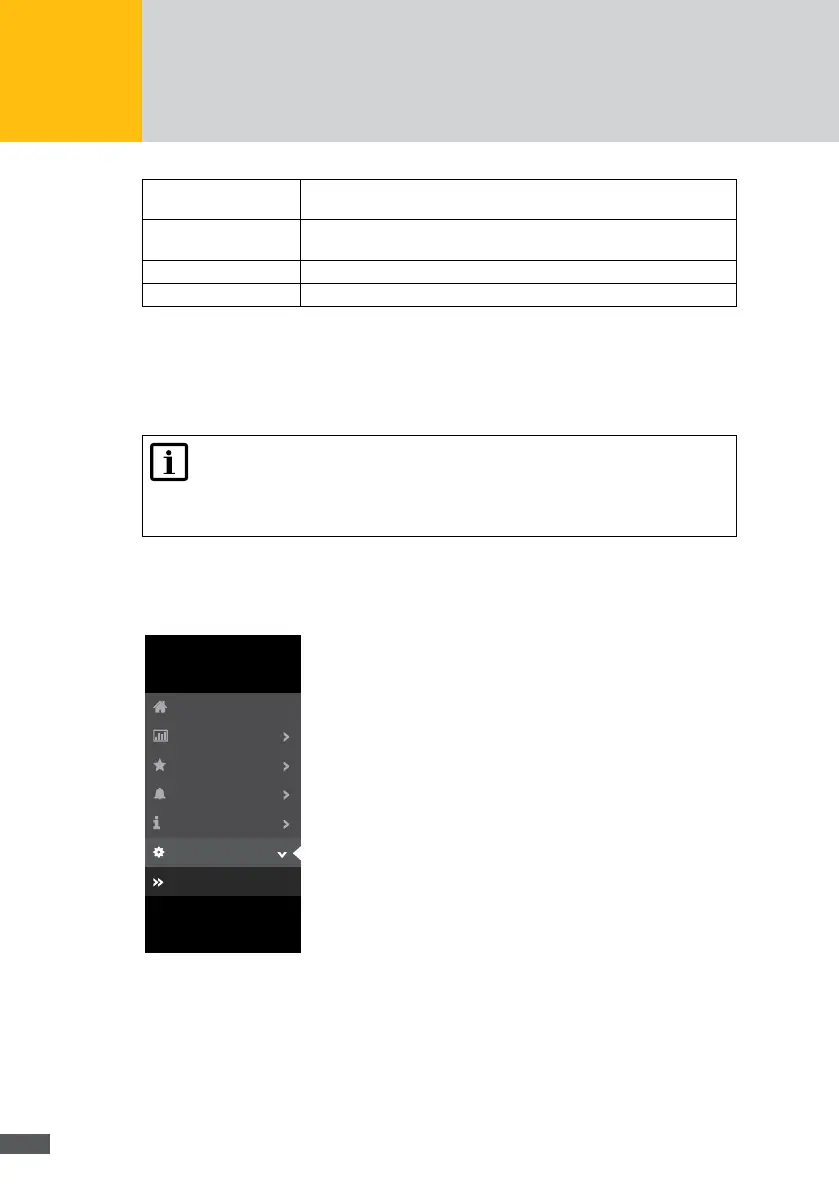
Select the “Basic settings > General” menu of the MaxWeb XPN to congure your
MaxWeb XPN or to create or install updates:
Energy
MaxWeb XPN
Home
Alarm
Plant/Logging
Devices
Basic Settings
General
Connections
Personal Settings
Fig. 56: General basic settings
In the “System information” menu, you can see the serial number and the rmware ver-
sion of your MaxWeb XPN.



 To Next Page