57
en
Priority In this eld, you assign a priority of 1 to 10 to the relay, whereat “1” is
the highest priority. Several relays can have the same priority.
Relays with lower priorities (higher number) are activated only when
the relays with the higher priorities (lower numbers) are active.
Upper threshold value: Enter a value in watts for the upper power limit at which the relay shall
be switched on.
Lower threshold value: Enter a value in watts for the lower power limit at which the relay shall
be switched off.
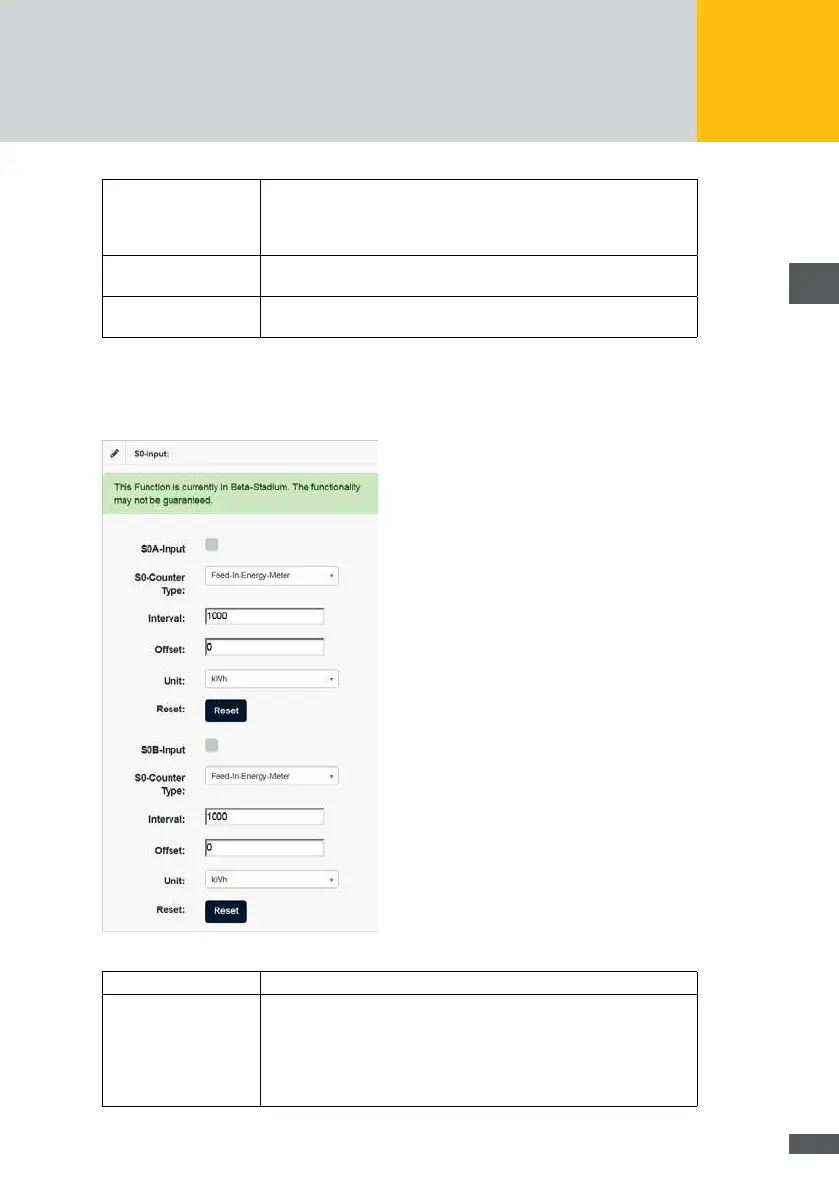
Electricity meters with corresponding interfaces can be connected with the S0 interface
of the MaxWeb XPN. The denition of the interface corresponds to the EN 62053-31
standard. The following parameters of the S0 interface can be congured:
Fig. 55: Conguration of the S0 interface
S0A input/S0B input Mark the button when you have connected a pulse counter.
S0 counter type In this menu, you can select the energy values to be captured by the
meter. You can select between the following meter types.
Feed meter
Internal consumption meter
Overall meter



 To Next Page