40
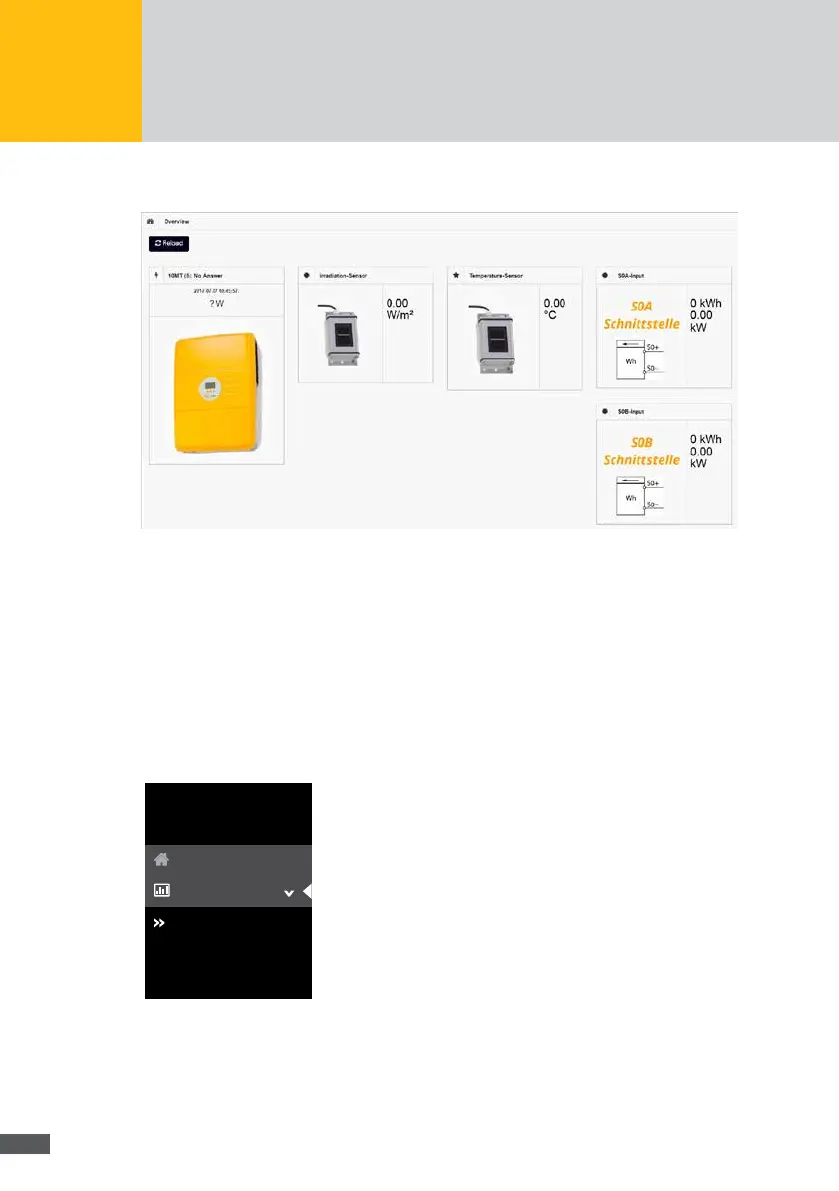
This menu shows all devices the data of which is logged by MaxWeb XPN.
Fig. 26: Currently monitored devices
Click on the Reload button to obtain an overview of all currently monitored devices,
including device name, total output and device status.
7�2�2 Plant / Logging
Overview
To obtain an overview of the output and status of your devices, select “Plant/Logging >
Overview” in the MaxWeb XPN menu.
log settings
Overview
log values
MaxWeb XPN
Home
Plant/Logging
Fig. 27: Plant overview



 To Next Page