48
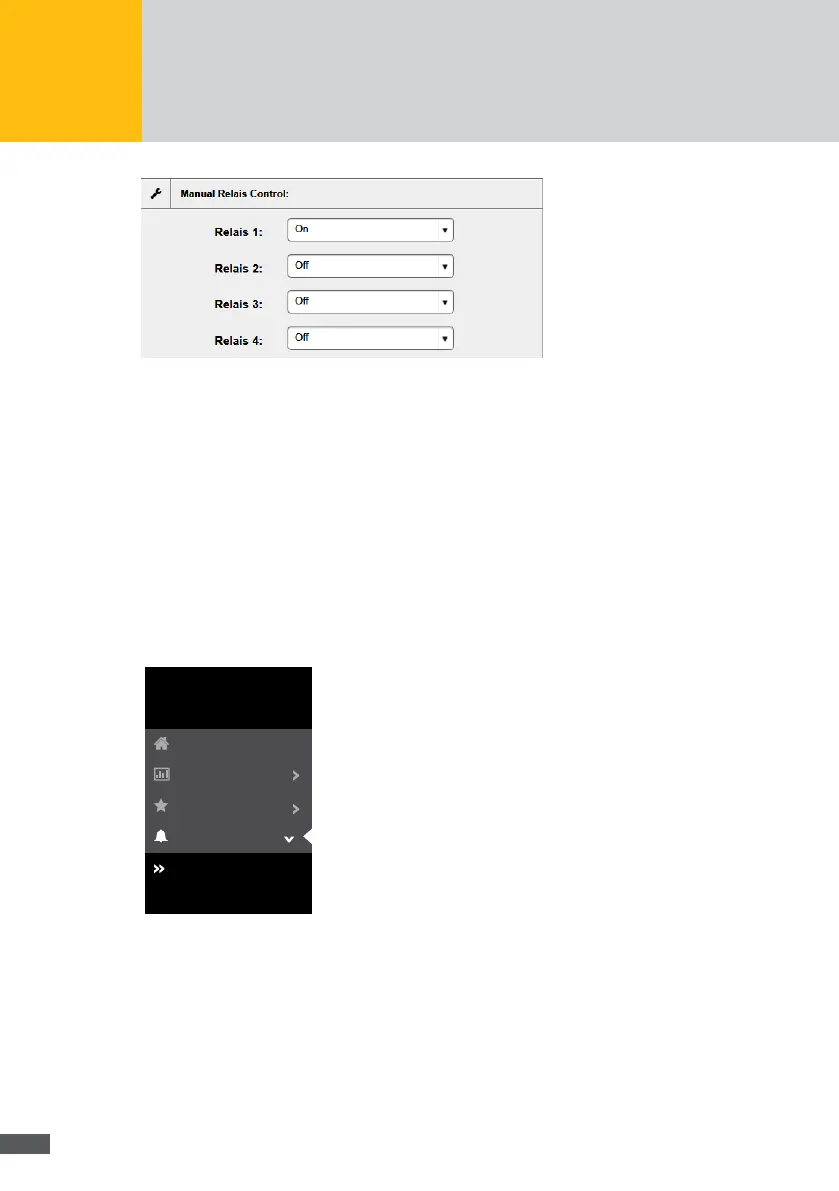
Fig. 42: Manual relay control
To activate the manual relay control, you need to activate the “On” selection eld in the
“Relay control” menu.
In order to deactivate the activated manual relay control, select the “Off” selection eld
in the “Relay control” menu.
7�2�4 Alarms
History
To obtain an overview of previous alarms, select “Alarm > History” in the MaxWeb XPN
menu.
MaxWeb XPN
Home
Plant/Logging
History
Settings
Alarm
Energy
Fig. 43: Alarm history
The following alarm data is listed:
Time stamp
Point in time at which the alarm was triggered
Device name
Name of the device by which the alarm was triggered
Serial number
Serial number of the device by which the alarm was triggered



 To Next Page