15
en
3�3�3 Navigation keys
The LCD display is operated using the following navigation keys:
Press this key to return to the previous menu line.
Press this key to go to the next menu line.
Enter key
Press this key to access a submenu of the selected menu line or to execute
the selected function.
ESC
Press this key to leave a submenu or to return to the initial display.
Press this key for longer than 5 seconds to switch on the MaxWeb XPN.
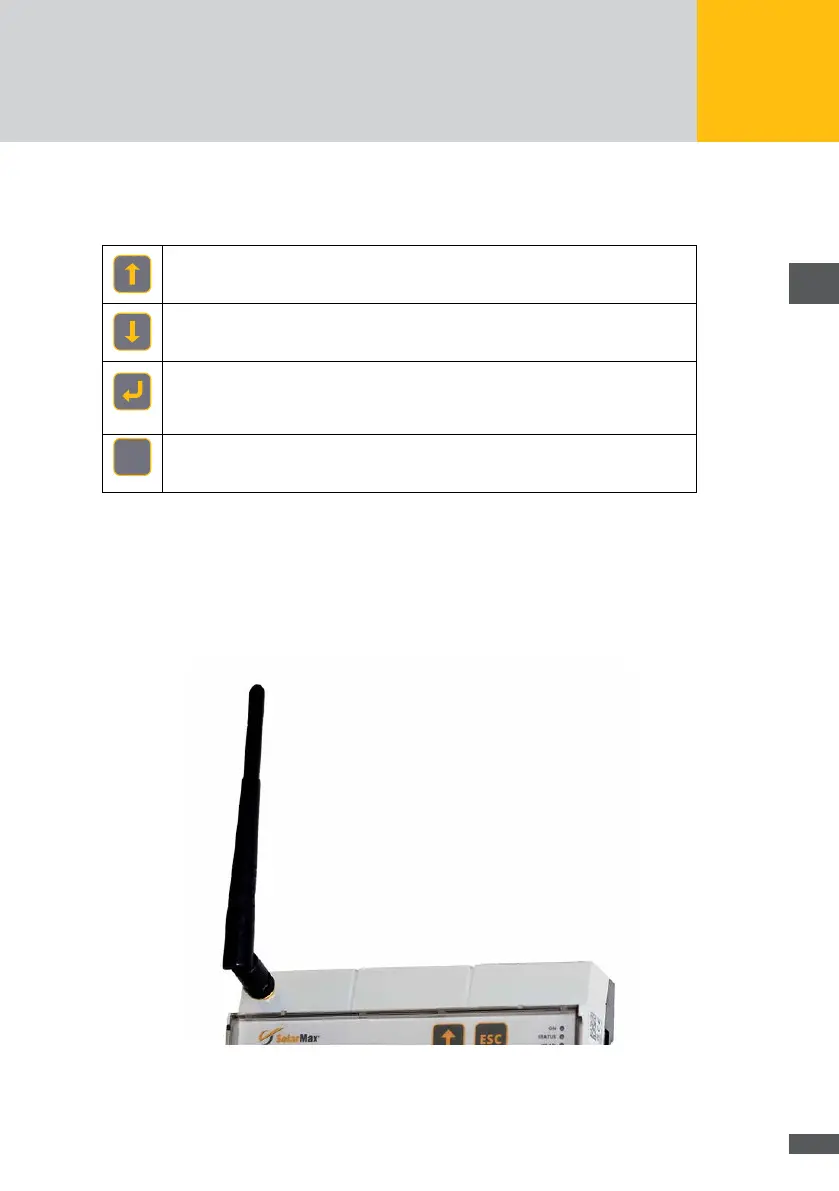
3�4 External WLAN antenna
The MaxWeb XPN features a WLAN transmitter for short distances. Should the range of
transmission not be sufcient to transmit the WLAN data, the device can optionally be
equipped with an external WLAN antenna. The WLAN antenna is included in the scope of
delivery and can be tted in the corresponding socket.
Fig. 5: MaxWeb XPN with WLAN antenna



 To Next Page