44
Send data every: Tick this option if the generated log les are to be sent regularly at
xed time intervals. In the adjacent eld, enter the time period in
minutes after which the log les are to be sent.
Save: Click on the Save button to save the selected log settings.
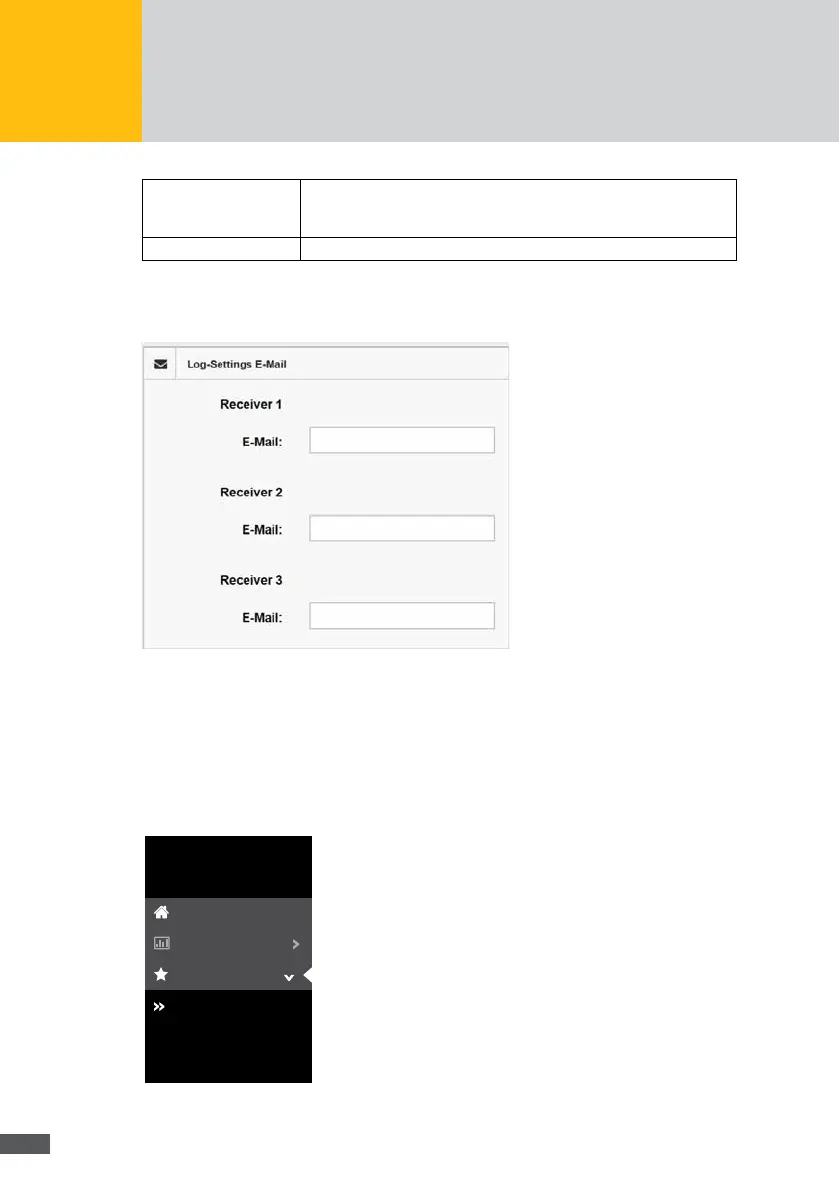
In the “Settings for sending logs” menu, you can specify up to three email addresses to
which the log les are to be sent. To this end, enter the corresponding email addresses in
the “Recipient email” elds.
Fig. 33: Email addresses for log settings
7�2�3 Energy
Overview
To get an overview of the distribution of the energy generated by the PV generator, select
“Energy>Overview” in the menu of the MaxWeb XPN.
MaxWeb XPN
Home
Plant/Logging
Control
Overview
History
Energy
Fig. 34: Energy overview menu



 To Next Page