28
6�5�2 System settings
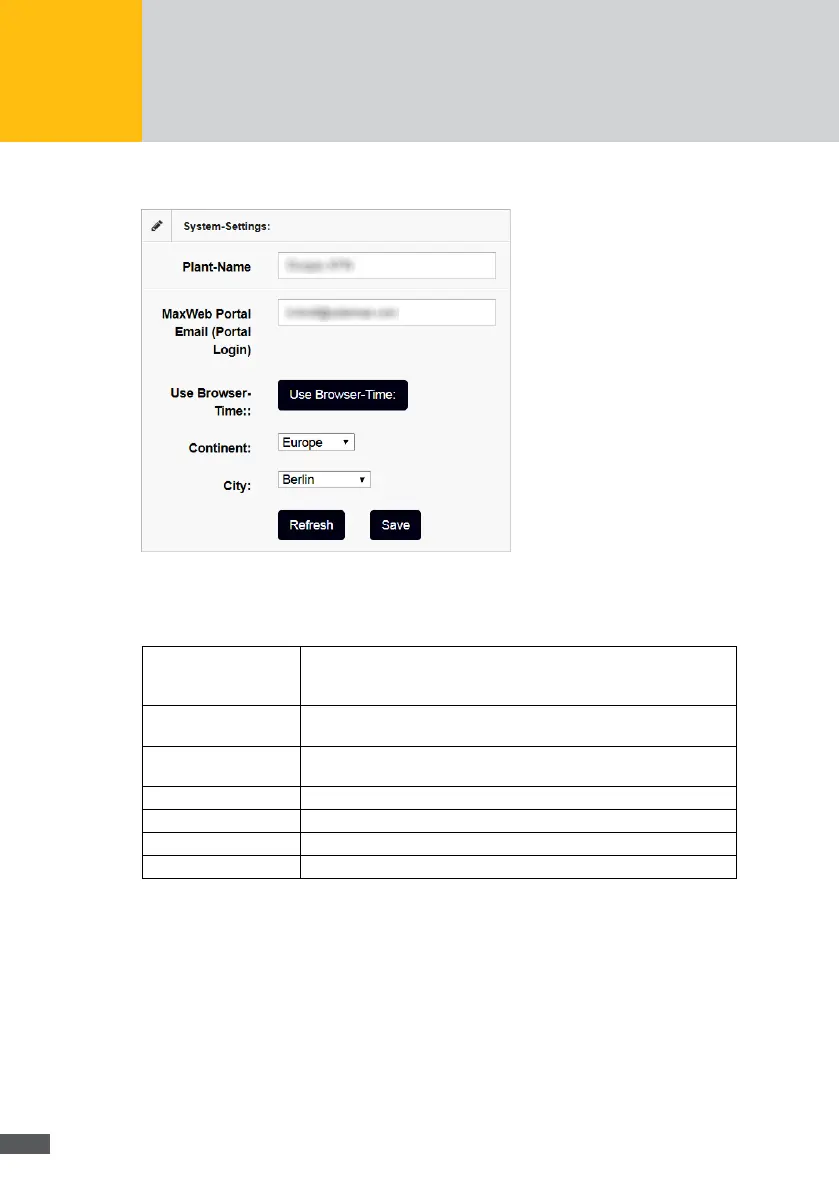
Fig. 14: Menu: System settings
In this menu, you can set the devicename and the system time to be shown in the MaxWeb
Portal.
Devicename: Enter the devicename to be shown in the MaxWeb Portal. The device-
name can be changed at any time. The devicename must not contain
any special characters.
MaxWeb Portal Email In this field, you can enter the email address, with which you log into
the MaxWeb portal.
Use Browser-Time: Click on the Use Browser Time button to adopt the current browser
time of your computer.
Continent: Select the continent on which the plant is located to set the local time.
Country: Select the country in which the plant is located to set the local time.
Refresh: Click on the Refresh button to view the current time settings.
Save: Click on the Save button to save the changed time settings.
Click on the Next button to continue the wizard.



 To Next Page