33
en
To remove a device from this list, click on the Remove device button. The device is now
no longer monitored by the MaxWeb XPN.
Then click on the Next button to continue the wizard. You are now in the “Device settings”
menu (see Section 6.5.4).
Click on the Back button to return to the previous menu.
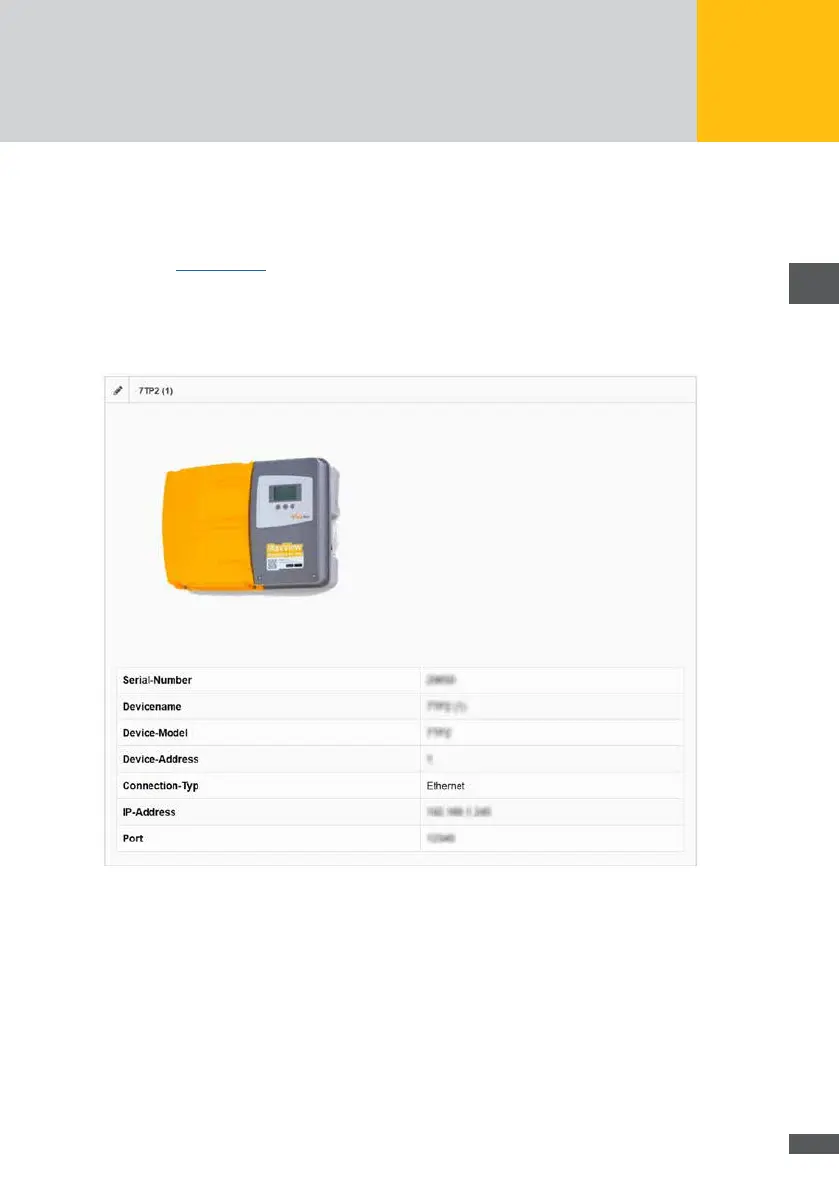
6�5�4 Device settings
Fig. 20: Device settings
The following device parameters are shown:
Serial number
Device name
Device Model
Device address
Connection type
IP address
Port



 To Next Page