32
The following device parameters are shown:
Serial number
Devicename (can be changed, no special characters permitted)
Decvice Model
Device-Address
Connection type
IP address
Port
In this menu, you can change the device name and add the device to the list of known
devices:
1. In the “Devicename” column, select the inverter you want to rename.
2. Enter a new device name, e.g. garage, to identify the inverter’s location. The device
name must not contain any special characters.
3. Then click on the Add device button to add the device to the list of known devices.
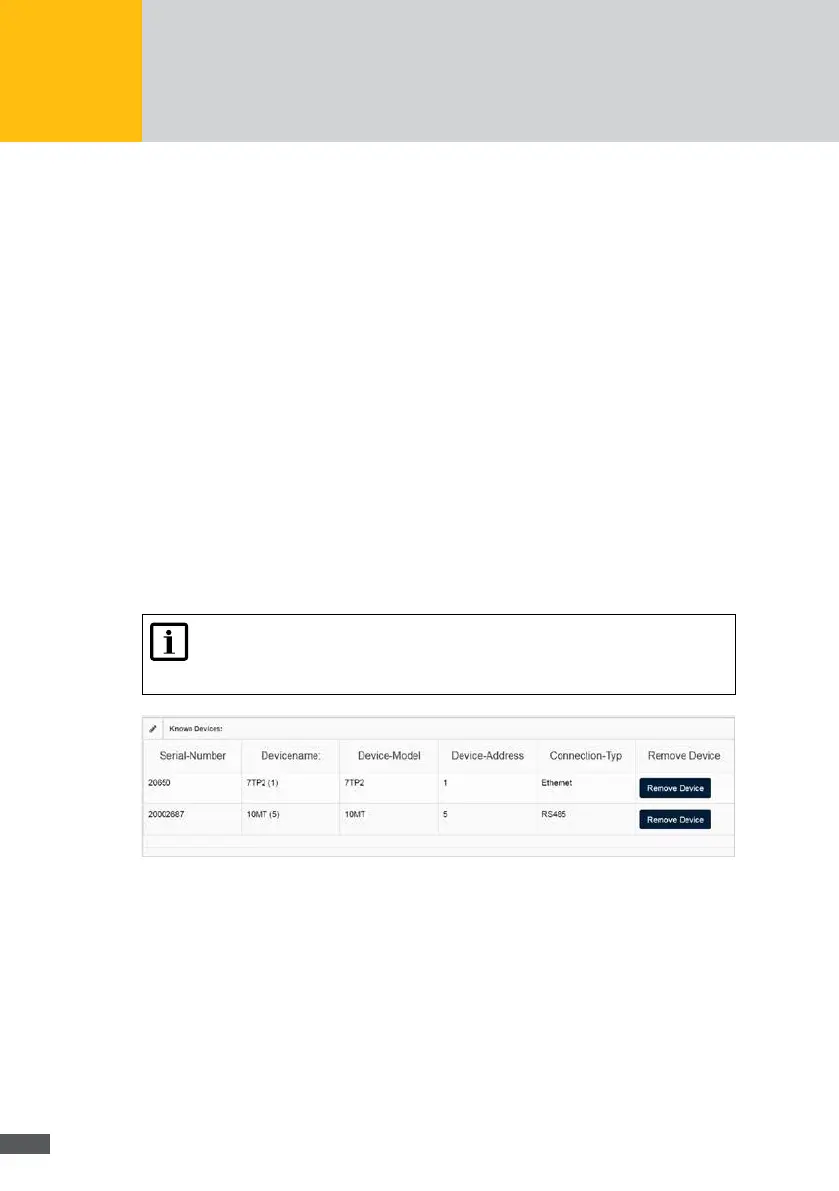
Known devices of the MaxWeb XPN
This menu shows all devices which have been added from the list of search results. Here you
can also remove known devices from the list of monitored devices.
Note
Only the values of devices which have been added to the list of known devices
can be monitored via the MaxWeb interface.
Fig. 19: Menu: Known devices
The following device parameters are shown:
Serial number
Devicename (can be changed, no special characters permitted)
Device-Model
Device-Address
Connection type
IP address
Port



 To Next Page