49
en
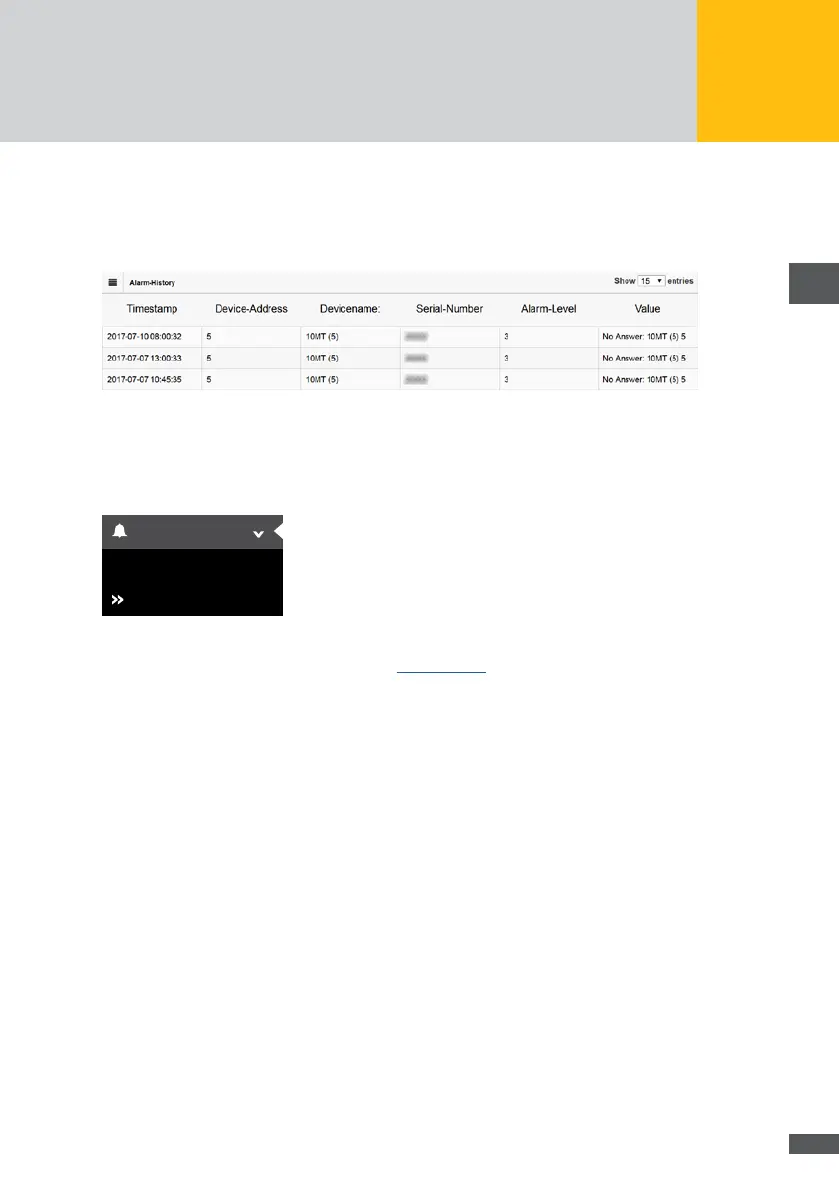
Alarm level
Classication of the alarm as “Failure” or “Error”
Value
Alarm / error description or the error code of the device is shown
Fig. 44: Representation of the alarm history
Settings
To set the options for sending alarms and to activate the energy comparison, select
“Alarms > Settings” in the MaxWeb XPN menu.
History
Settings
Alarm
Fig. 45: Alarm settings
For a detailed description of this menu, see Section 6.5.5
7�2�5 Devices
In this menu, you can add or remove devices and select the time values to be shown.
Device settings
Select “Devices > Device settings” in the MaxWeb XPN menu to view all monitored
devices and to select their time values.



 To Next Page