36
6�5�5 Alarm settings
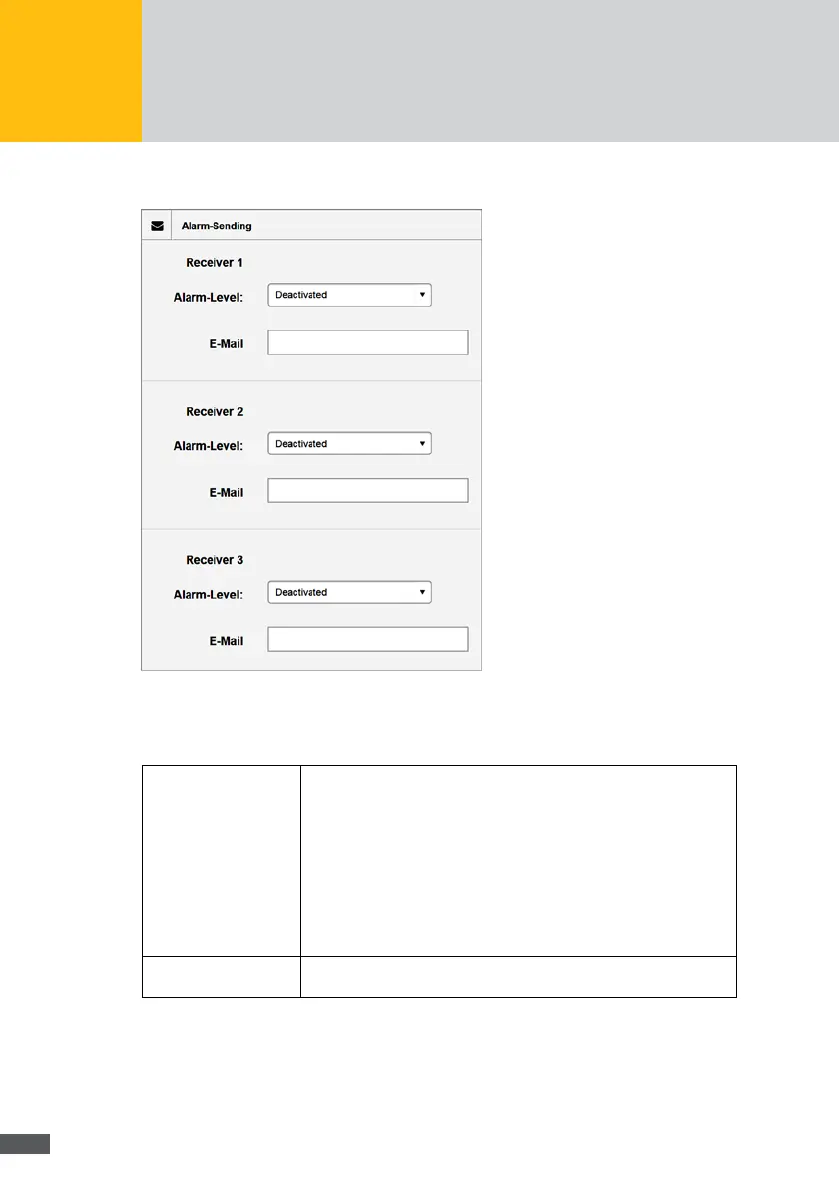
Fig. 22: Alarm settings
In the “Alarm settings” menu, you can dene up to three recipients to which alarms are
to be sent. The following recipient data can be set:
Alarm level: Select an alarm level the alarms of which are to be sent to the recip-
ient. The following options are available:
Deactivated
No alarms are sent.
Failure
The operating status of an inverter is “Failure” (plant error) or at
least one inverter is outside the tolerance of the energy
comparison (see below).
Error
The operating status of an inverter is “Error” (device error).
Email: Enter the email address of the recipient to which the alarm message
is to be sent.



 To Next Page