37
en
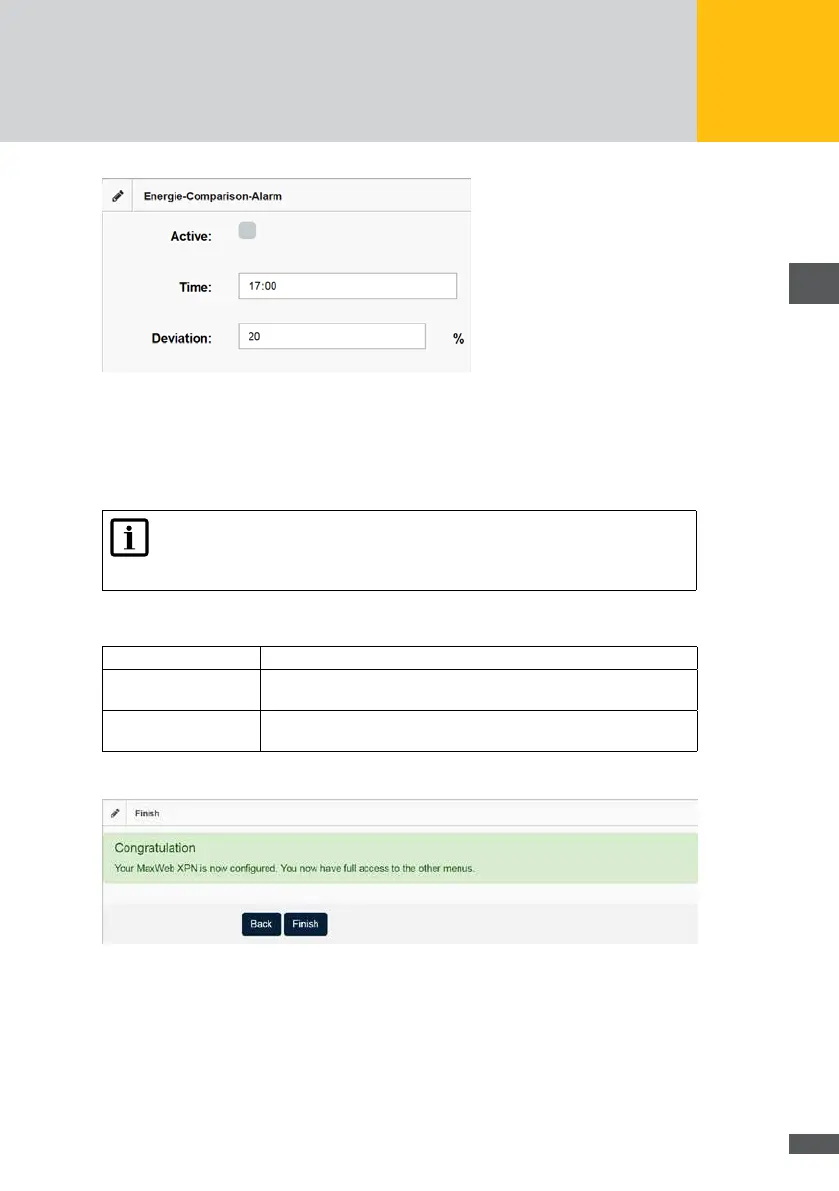
Fig. 23: Alarm during energy comparison
In the “Energy comparison” menu, you can compare the relative daily yields of all inverters.
The relative daily yield is calculated from the installed capacity and the daily yield. If the
relative yield of one or more inverters falls short of the mean value of all inverters by more
than the specied tolerance, an alarm is triggered.
Note
For accurate energy comparison, it is important to correctly set the installed
capacity for each device.
The following settings can be made for energy comparison:
Activ: Tick this option to carry out an energy comparison.
Time: Enter a time at which the energy comparison is to be carried out on a
daily basis.
Deviation: Enter the tolerance for the deviation of the energy values of the
inverters in percent.
Then click on the Next button to nish the wizard. Now you can see the following screen:
Fig. 24: Finishing the conguration wizard



 To Next Page