22
6�3 Login to the MaxWeb XPN
Execute the following steps to log in to the MaxWeb XPN:
1. Switch on the MaxWeb XPN (see Section 6.1).
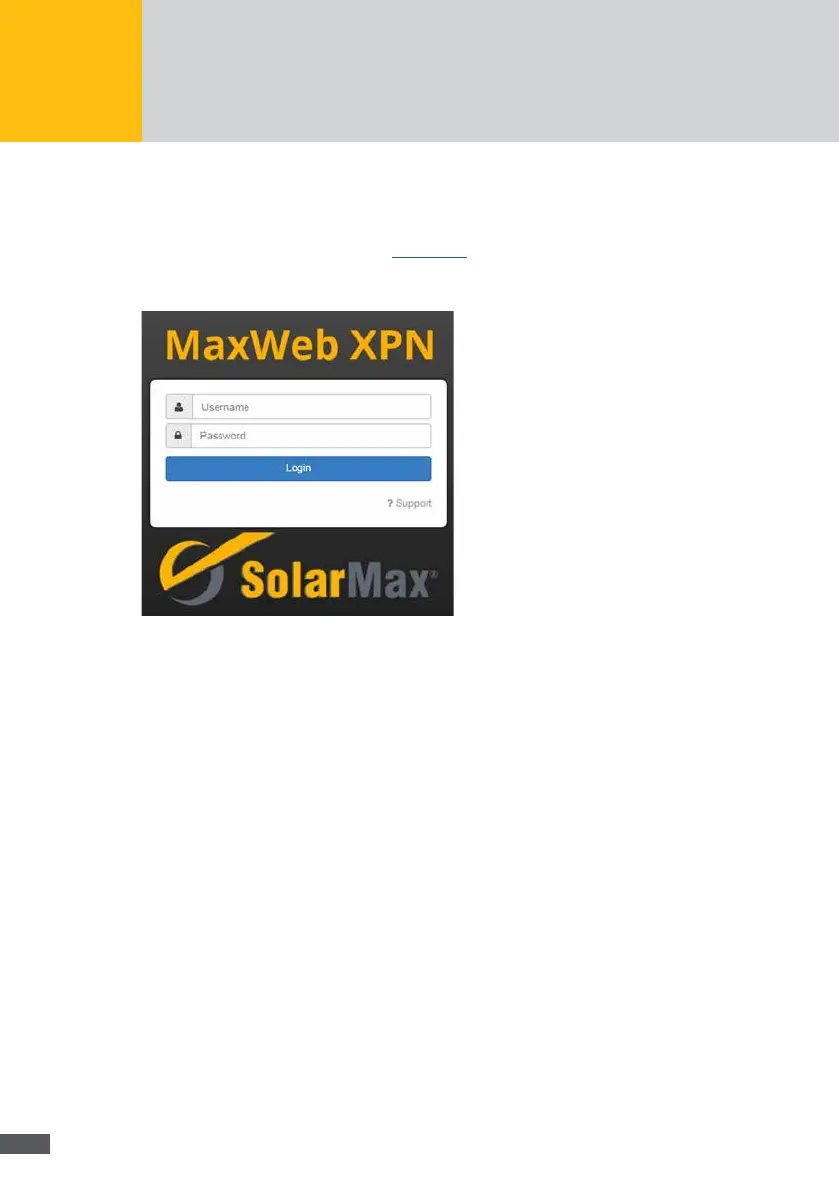
2. Open your web browser and enter the address http://192.168.1.234. The following
login screen of the MaxWeb XPN appears:
Fig. 8: Menu: MaxWeb XPN login
3. Log in using the user name admin and the password solarmax.com.
4. You can now congure the MaxWeb XPN using the MaxWeb wizard.
Login not possible?
If your login attempt failed, please inform the service hotline. Press the ?Support button
in the login menu of MaxWeb XPN. The following menu will be displayed:



 To Next Page