23
en
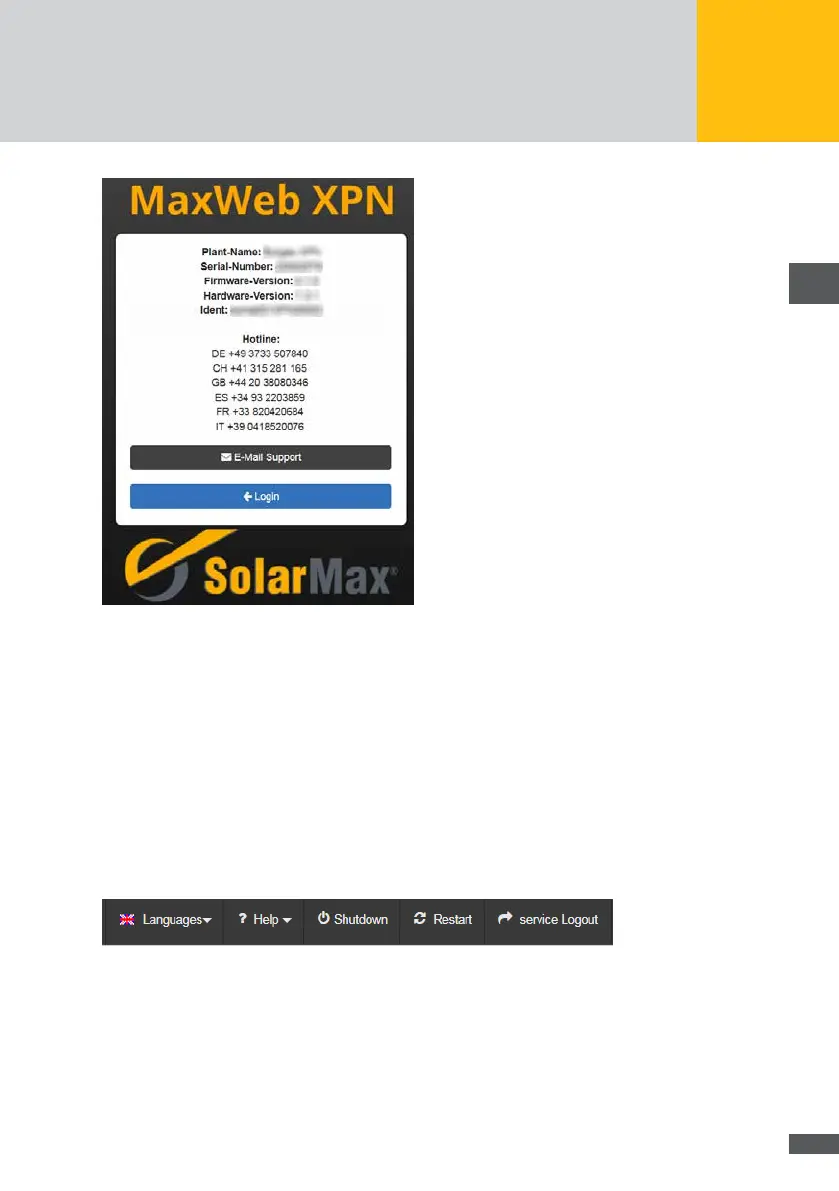
Fig. 9: Information on the support hotline
The following information on your plant are displayed:
Plant name
Serial number
Hardware version
Firmware version
Ident
Please have these data available if you contact us by telephone via the listed country-spe-
cic hotline numbers or via email with your service hotline.
6�4 Setting the language
Fig. 10: Menu bar for selecting the language
Select the “Languages” menu in the uppermost menu bar. The following language options
will be displayed:
German (DE)
English (EN)



 To Next Page