56
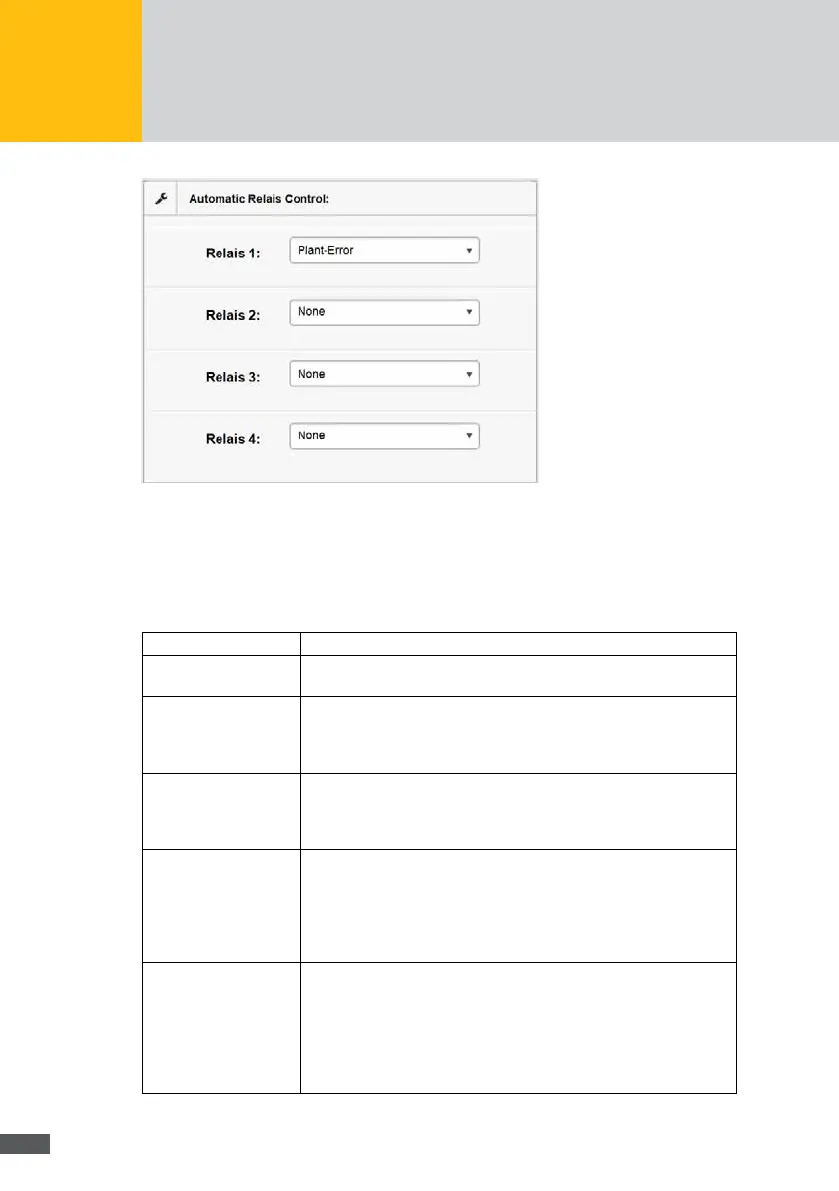
Fig. 54: Conguration of the relay control
You have the possibility to control the relays automatically given specic threshold values
and/or events.
Select the control modes in the “Relay 1...4” selection menu. The following control modes
are possible:
None The relay is not controlled automatically. Manual control is possible.
Plant malfunction If one or several devices of the plant report a malfunction, the relay
will be switched off.
Feed rate If the feed rate exceeds the “Upper threshold value“, the relay will be
switched on.
If the feed rate undercuts the “Lower threshold value“ with activated
relay, the relay will be switched off.
Plant output If the plant output exceeds the “Upper threshold value“, the relay will
be switched on.
If the feed rate undercuts the “Lower threshold value“ with activated
relay, the relay will be switched off.
Controlled MaxRemote
output
This mode is only actively used if the output limitation with MaxRe-
mote is active.
If the output reduced by MaxRemote exceeds the “Upper threshold
value“, the relay will be switched on.
If the output reduced by MaxRemote undercuts the “Lower threshold
value“, the relay will be switched off.
Controlled MaxRemote
output min/limit
This mode is only actively used if the output limitation with MaxRe-
mote is active.
If the output reduced by MaxRemote exceeds the “Upper threshold
value“, the relay will be switched on.
The relay will be switched off if it is active and the supplied power is
smaller than the maximum permissible feed rate minus the “Lower
threshold value”.



 To Next Page