MIC-10 / MIC-30 – USER MANUAL
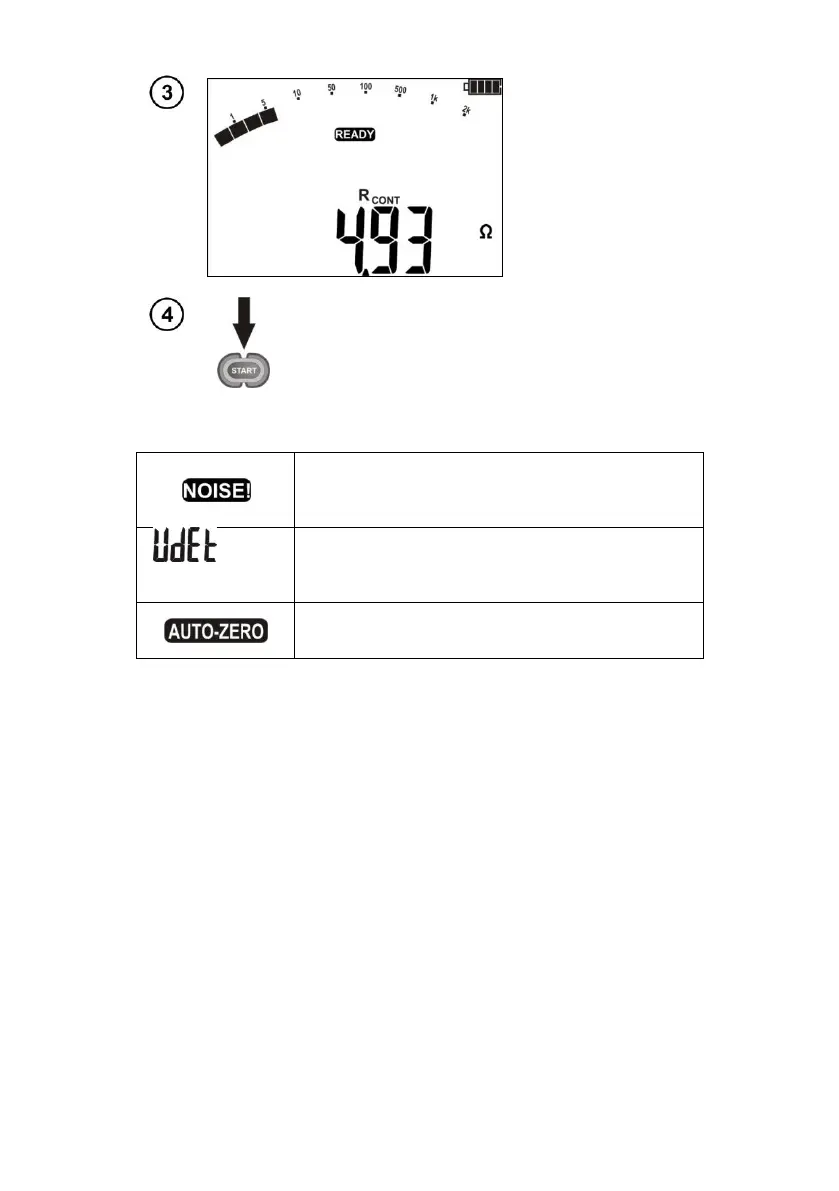
Press START push-button in order to start a next
measurement without disconnecting test leads from
the object.
Additional information displayed by the meter
This inscription displayed after the measurement
indicates noise in the system during the measurement
The measurement result may be affected by additional
uncertainty.
LED is lit
in red, two-tone
acoustic signal
The tested object is live. The measurement is blocked.
Resistance compensation completed for test leads
The compensation resistance is taken into
consideration when displaying result.



 To Next Page