MIC-10 / MIC-30 – USER MANUAL
6 Firmware update
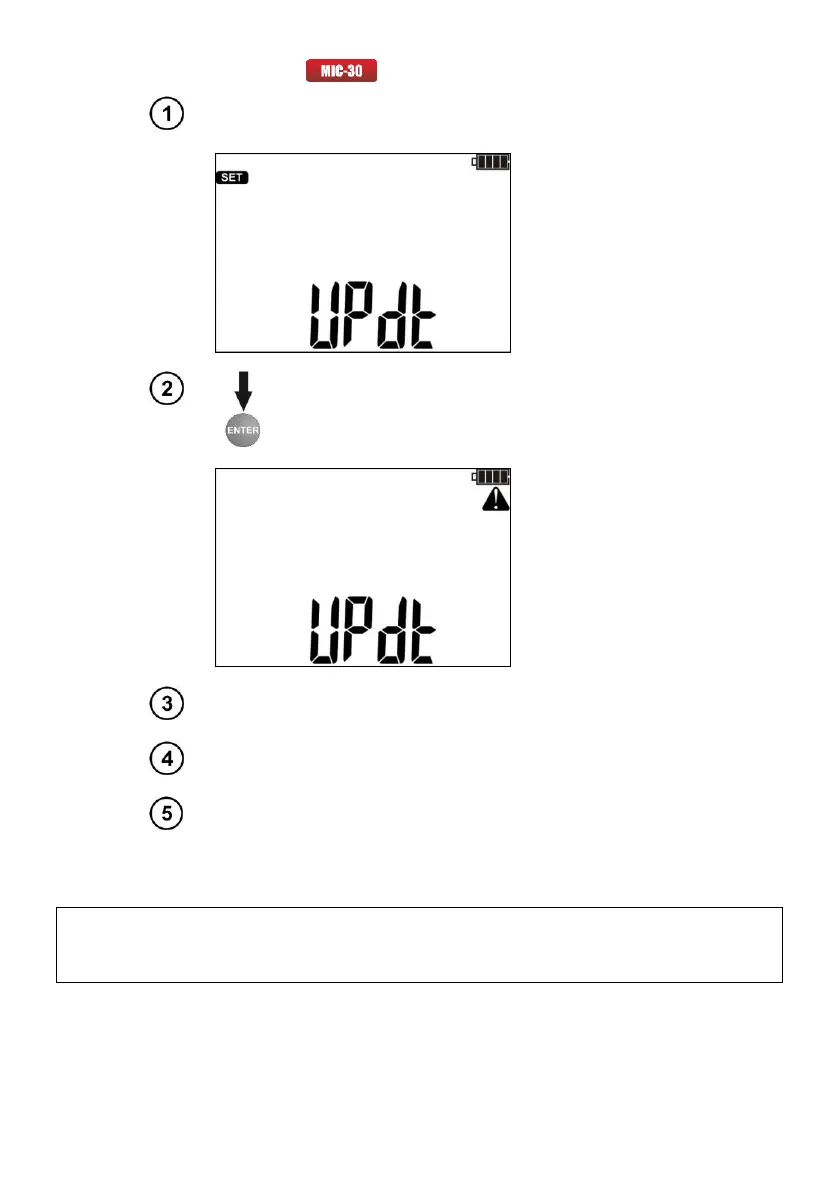
In main settings select the update mode option (Chapter 2). The
meter displays the following screen.
Press ENTER to start transmission and perform updating
according to the instructions of the application.
Connect Bluetooth module to the USB socket of the PC, unless it is
integrated into the PC.
During the process of pairing the meter with a PC enter PIN code
compatible with the PIN code of the meter defined in main settings.
Run a program for updating the firmware and perform updating
according to the instructions of the application.
Notes:
NOTE!
Before updating the firmware, insert new batteries or fully charged rechargeable batteries.
- To exit the mode press ESC, this is possible until the meter starts the process of memory
reprogramming - at that time all buttons are inactive.
- After completing the update the meter is automatically switched off.
- After switching on, the meter shortly displays the current number of internal software (firmware).



 To Next Page