Working Instruction, Mechanical
3/000 21-1/FEA 209 544/129 A
Company Internal
©
Sony Ericsson Mobile Communications AB
25(34)
Key Foil Assy continued
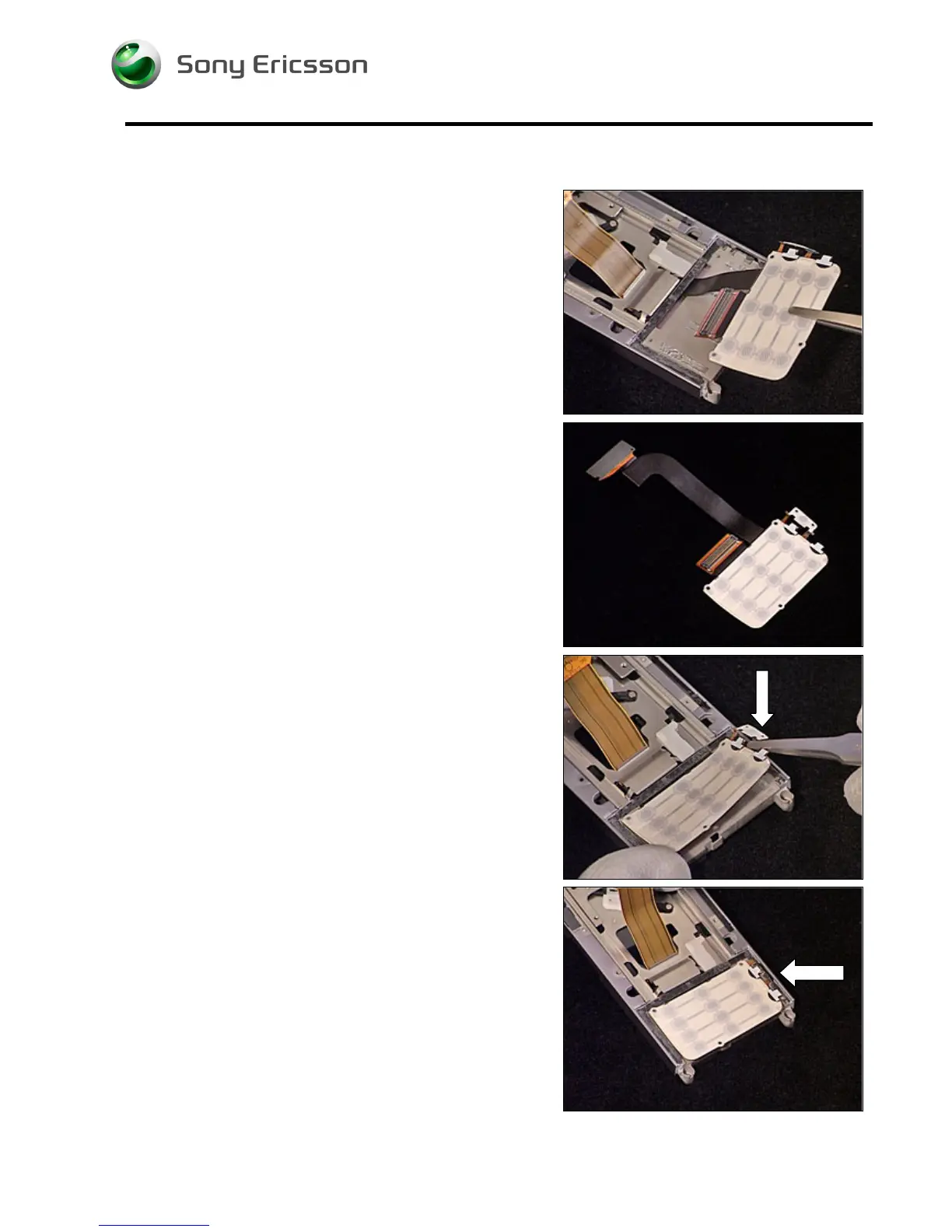
5. Remove the Key Foil Assy using a pair of tweezers.
INSTALLATION
1. Prepare the new Key Foil Assy.
2. Insert the new Key Foil Assy into the Slider Sub
Assembly using a pair of tweezers. Make sure you
position the Camera Key correct into the Slider Sub
Assembly.
3. Make sure you position the Camera Key correct into
the Slider Sub Assembly.
Follow the 4.1.4 – 4.1.6 Reassembly instructions!













 To Next Page