Working Instruction, Mechanical
3/000 21-1/FEA 209 544/129 A
Company Internal
©
Sony Ericsson Mobile Communications AB
11(34)
Main PCB continued
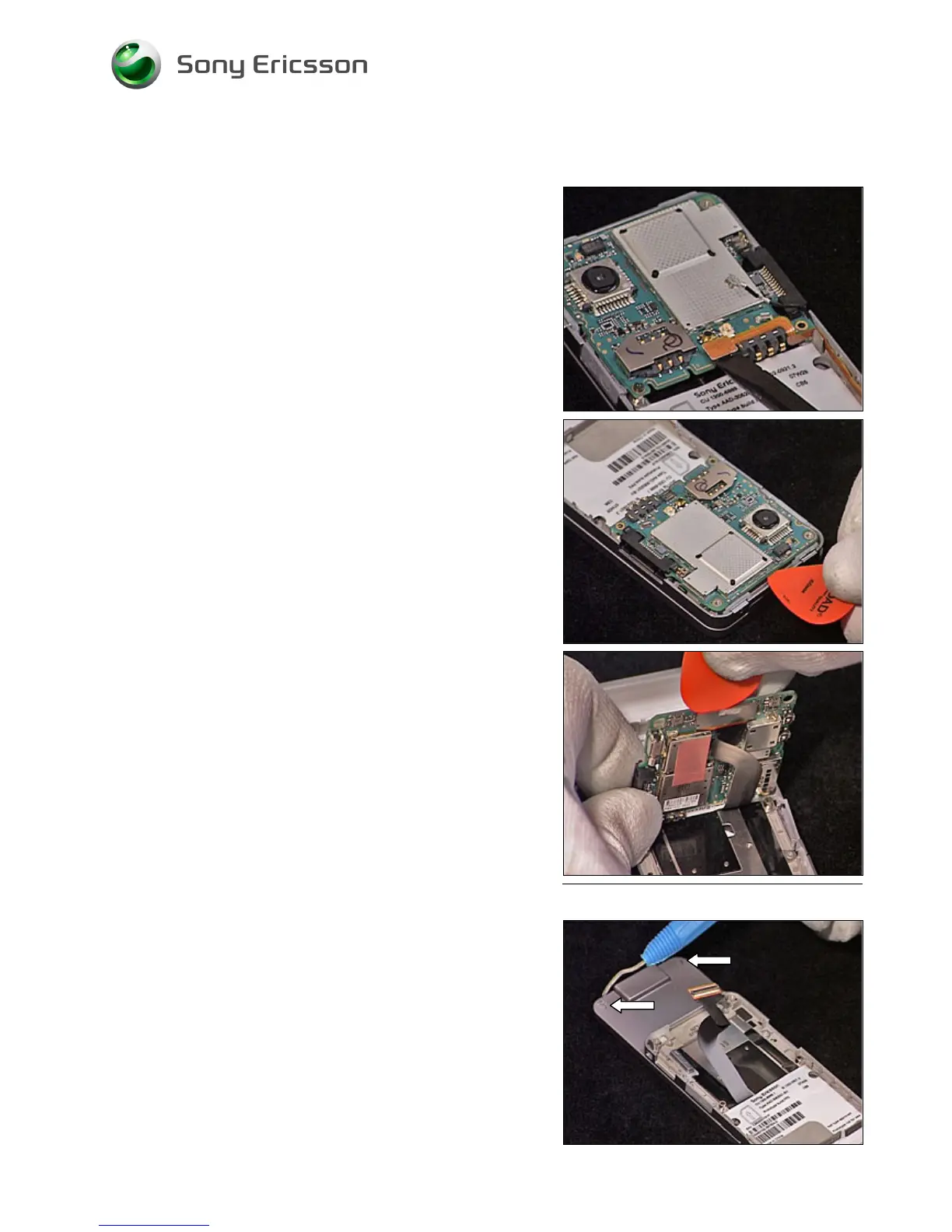
Carefully release the Speaker Flex Board to Board
Connector using an orange stick.
Carefully release the Main PCB from the frame using a
guitar pick.
Carefully release the Front Flex Board to Board connector
from the Main PCB using a guitar pick.
Remove the Main PCB.
2.1.4 Front Cover Assembly
Remove the two screw Caps using a Dental hook.













 To Next Page