7-3
BDP-BX2/S360
Service Mode Menu
[1] DiagMenu
[2] DriveMenu
[3] LogMenu
[4] FactoryInitialize
[5] Network
[6] VersionUp
[7] SystemInformation
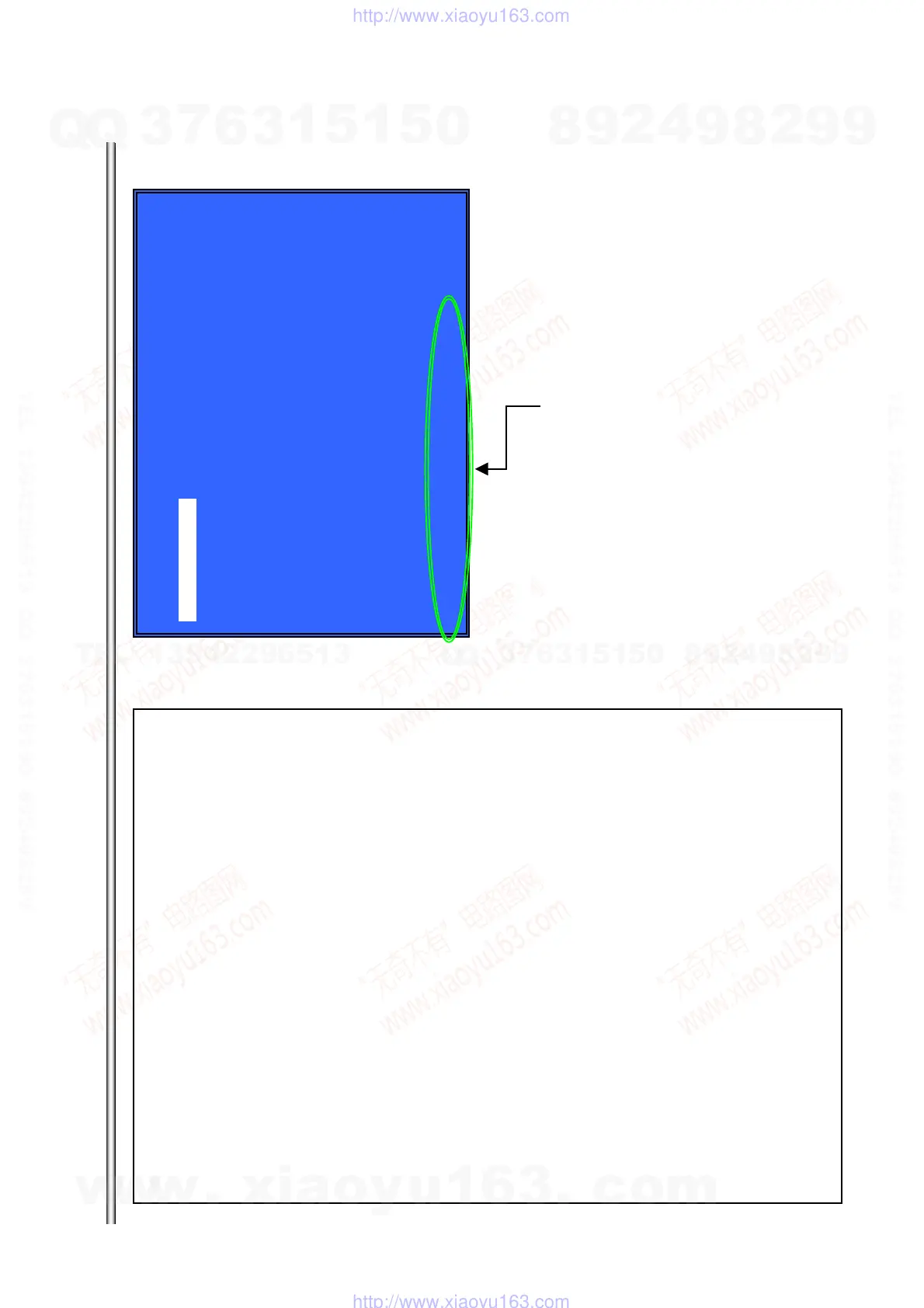
HELP : [DOWN][ENT][(NUM)]
Service Mode Menu (Top menu)
Overview:
Top menu of the Service Mode
The various functions are accessed from this menu.
Operations:
[1] DiagMenu (Diagnostics)
[2] DriveMenu (Drive-related diagnostics & tools)
[3] LogMenu (View ErrorLog/CommandLog)
[4] Factory Initialize (Factory default settings)
[5] Network
[6] VersionUp (Version update by disc)
[7] SystemInformation (View system information)
[UP][DOWN] Move the cursor up or down
[ENT] Open the selected cursor item
The cursor is not displayed initially.
Display panel:
When a cursor key or selected menu key is used, text is output to the display panel.
Initially, “SERVICE” is displayed.
Character strings shown on the display panel
DiagMenu: S-DIAG
DriveMenu: S-DRIVE
LogMenu: S-LOG
FactoryInitialize: S-FINIT
Network: S-NET
VersionUp: S-VUP
SystemInformation: S-INFO
Shows hints (such as the currently usable keys)
[1] DiagMenu
w
w
w
.
x
i
a
o
y
u
1
6
3
.
c
o
m
Q
Q
3
7
6
3
1
5
1
5
0
9
9
2
8
9
4
2
9
8
T
E
L
1
3
9
4
2
2
9
6
5
1
3
9
9
2
8
9
4
2
9
8
0
5
1
5
1
3
6
7
3
Q
Q
TEL 13942296513 QQ 376315150 892498299
TEL 13942296513 QQ 376315150 892498299
http://www.xiaoyu163.com
http://www.xiaoyu163.com



 To Next Page