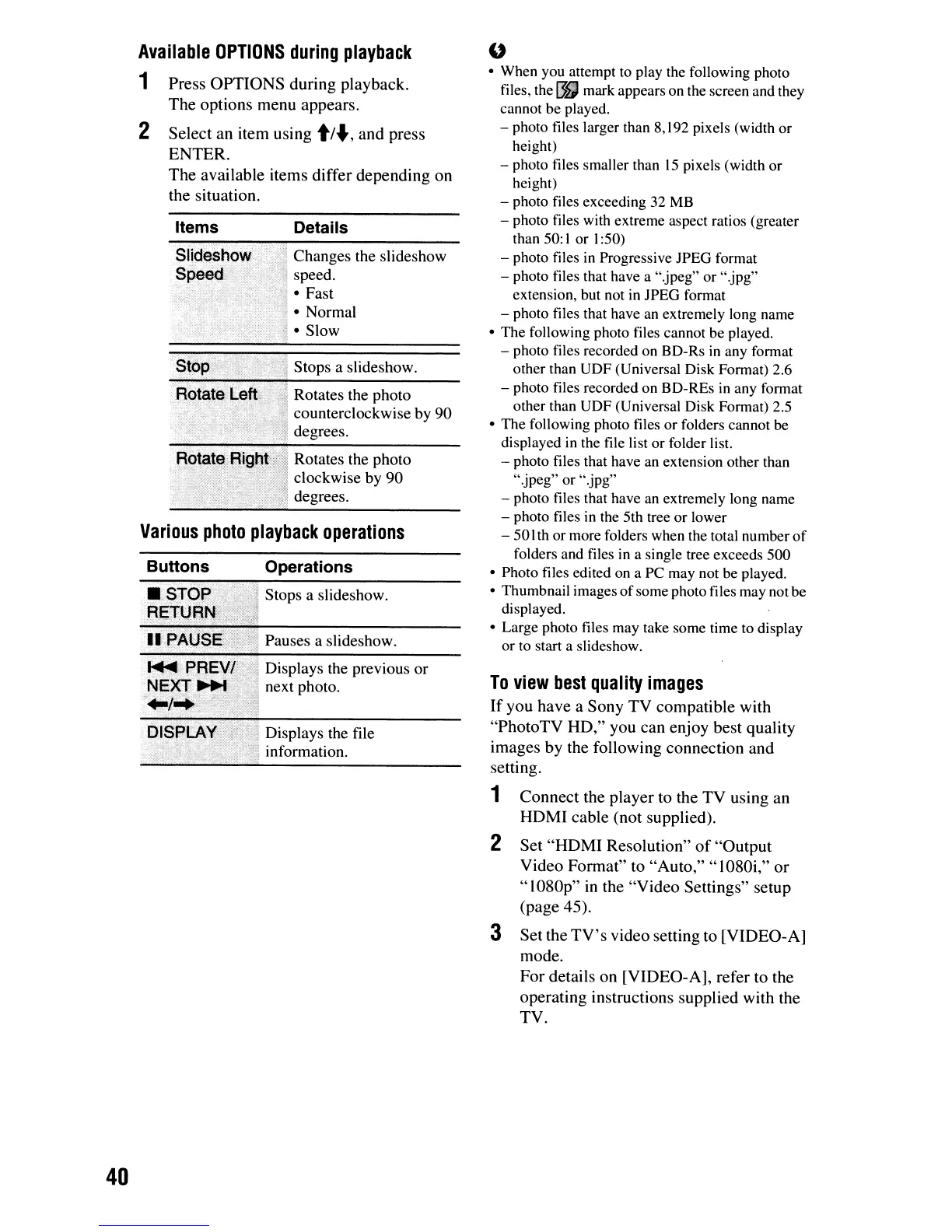
Various
photo
playback
operations
To
view
best
quality
images
If
you
have
a
Sony
TV
compatible
with
"PhotoTV
HD,"
you
can
enjoy
best
quality
images
by
the
following
connection
and
setting.
1
Connect
the
player
to
the
TV
using
an
HDMI
cable
(not
supplied).
2
Set
"HDMI
Resolution"
of
"Output
Video
Format"
to
"Auto,"
"1080i,"
or
"1080p"
in
the
"Video
Settings"
setup
(page
45).
3
Set
the
TV's
video
setting
to
[VIDEO-A]
mode.
For
details
on
[VIDEO-A],
refer
to
the
operating
instructions
supplied
with
the
TV.
"
• When you attempt to play the following photo
files, the
I}J
mark appears on the screen and they
cannot be played.
- photo files larger than 8,192 pixels (width or
height)
- photo files smaller than
15
pixels (width or
height)
- photo files exceeding 32
MB
- photo files with extreme aspect ratios (greater
than 50:
I or 1:50)
- photo files
in
Progressive JPEG format
- photo files that have a ".jpeg" or ".jpg"
extension. but not
in
JPEG format
- photo files that have an extremely long name
•
The
following photo files cannot be played.
- photo files recorded on BD-Rs
in
any format
other than UDF (Universal Disk Format)
2.6
- photo files recorded on BD-REs in any format
other than UDF (Universal Disk Format) 2.5
•
The
following photo files or folders cannot be
displayed in the file list
or
folder list.
- photo files that have an extension other than
"jpeg"
or ".jpg"
- photo files that have an extremely long name
- photo files
in
the 5th tree
or
lower
-
50
Ith or more folders when the total number
of
folders and files in a single tree exceeds 500
• Photo files edited on a PC may not be played.
• Thumbnail images
of
some photo files may not be
displayed.
• Large photo files may take some time to display
or to start a slideshow.
Rotates
the
photo
clockwise
by
90
degrees.
Details
Displays
the file
information.
Changes
the
slideshow
speed.
..;
•
Fast
'; •
Normal
,1.
Slow
Pauses
a
slideshow.
Stops
a
slideshow.
Operations
Items
Stop;'/:
:;,'.~,>:,
(j
Stops
a
slideshow.
. .
....
,.
"';;"'~'---------
Rotat~
'[
Rotates
the
photo
counterclockwise
by
90
degrees.
Siidesho
,Speed
Press
OPTIONS
during
playback.
The
options
menu
appears.
Select
an
item
using
t/"',
and
press
ENTER.
The
available
items
differ
depending
on
the
situation.
Buttons
2
Available
OPTIONS
during
playback
1
40













 To Next Page