EasyManua.ls Logo

Sony BDP-S550 - Using the Bds or DVDs Menu

Sony BDP-S550
94 pages
Print Icon
To Next Page IconTo Next Page
To Previous Page IconTo Previous Page
Loading...
Using
the
BD's
or
DVD's
menu
To
display
Pop-up
Menus
Some
BD-ROMs
contain Pop-up Menus that
appear without interrupting playback.
1 Press
POP
UPIMENU
during playback.
The
Pop-up
Menu
appears.
2 Select an item using
~/t/./
..
,
color
buttons,
or
the
number
buttons, and
follow the on-screen instructions.
8:1-.
l-itA-1
To
display
Top
Menu
When
you
playa
BD
or
DVD,
you can
display the
Top
Menu.
1 Press
TOP
MENU
during playback.
The
Top
Menu
appears.
2 Select an item using
~/t/./
...
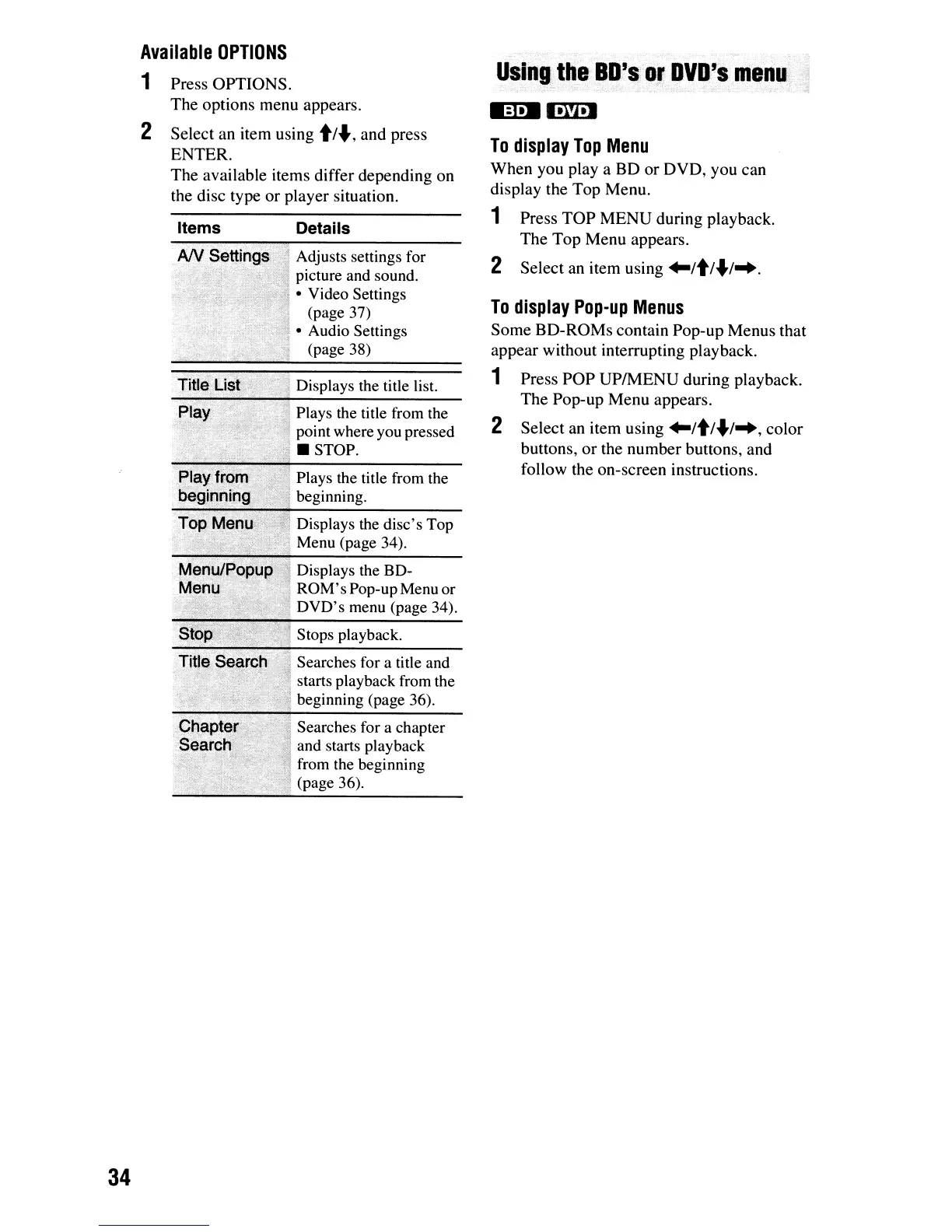
Details
,1
Adjusts settings for
, picture and sound.
Video Settings
(page 37)
Audio Settings
(page 38)
Displays the title list.
Plays the title from the
,j
point where you pressed
"1.
STOP.
';"il
>::-;<;';
.>'-,'.
:",,-.
~..-:,.
-~,'
.,;,'
~!
~Iay.f~o~
>',
",
Plays the title from the
be9,if!l"lipG'
<I
beginning.
Items
Available
OPTIONS
1 Press
OPTIONS.
The
options menu appears.
2 Select
an
item using
t/.,
and
press
ENTER.
The
available items differ depending
on
the disc type
or
player situation.
Top
Meou·
_.l
Displays the disc's Top
...
!'
Menu (page 34).
Menu/Popup
~
Displays the BD-
;~enlJ>'J
ROM's Pop-upMenu or
.:~:
DVD's menu (page 34).
Title Search
';
Searches for a title and
. . .
.,")
starts playback from the
i!
beginning (page 36).
Searches for a chapter
and starts playback
from the beginning
. (page 36).
34

Other manuals for Sony BDP-S550

Related product manuals