Yi:bCr/RGB
(HOMllx
~)
Audio
Settings
Sets the
color
setting for video signals output
from the
HDMI
OUT
jack. Select the setting
that matches the connected
TV
type.
Auto Automatically detects the
--
connected TV type, and
switches
to
the matching
color setting.
YCbCr (4:2:2) Outputs YCbCr 4:2:2 video
signals.
YCbCr (4:4:4)
Outputs YCbCr 4:4:4 video
signals.
RGB (16-235)
Select this when connecting
to
a device that only
supports RGB limited range.
RGB (0-255) Select this when connecting
to
an RGB (0-255) device.
Sets whether to send
xvYCC
information to
the connected TV.
Combining
xvYCC-compatible video with a
TV
that supports
x.
v.Color display makes it
possible to more accurately reproduce object
colors present in the natural world.
Auto Normally select this.
Off
Select this when the picture
is
unstable or colors appear
unnatural.
Sets the picture mode for
DVD
playback
pause status.
For
BD-ROMs
or
discs
containing A
VCHD
files,
"Pause
Mode"
automatically switches to
"Auto."
Auto Normally select this.
--
Dynamic moving pictures
appear without blurring.
Frame
Displays static pictures at
high resolution.
The
default settings are underlined.
Audio·Output
Priority
Selects the
jack
type to output audio signals.
2-channel linear
PCM
signals are output
at
48
kHz maximum from output
jacks
other
than the priority jacks.
HOMI
Outputs audio signals from
--
the HDMI OUT jack.
Coaxial/ Outputs audio signals from
Optical the DIGITAL OUT
(OPTICAL/COAXIAL)
jack.
Multi Channel Select this when connecting
Analog an AV amplifier (receiver)
via the MULTICHANNEL
OUTPUT jacks.
Stereo Analog
Outputs audio signals from
the LINE OUT (AUDIO L/
R) jacks.
To
obtain the best possible surround sound,
set the speakers you have connected and their
distance from your listening position.
Then
use the test tone to adjust the volume
and the balance
of
the speakers to the same
level.
This setting is selectable when
"Audio
Output Priority" is set to "Multi Channel
Analog."
To
set
the
speakers
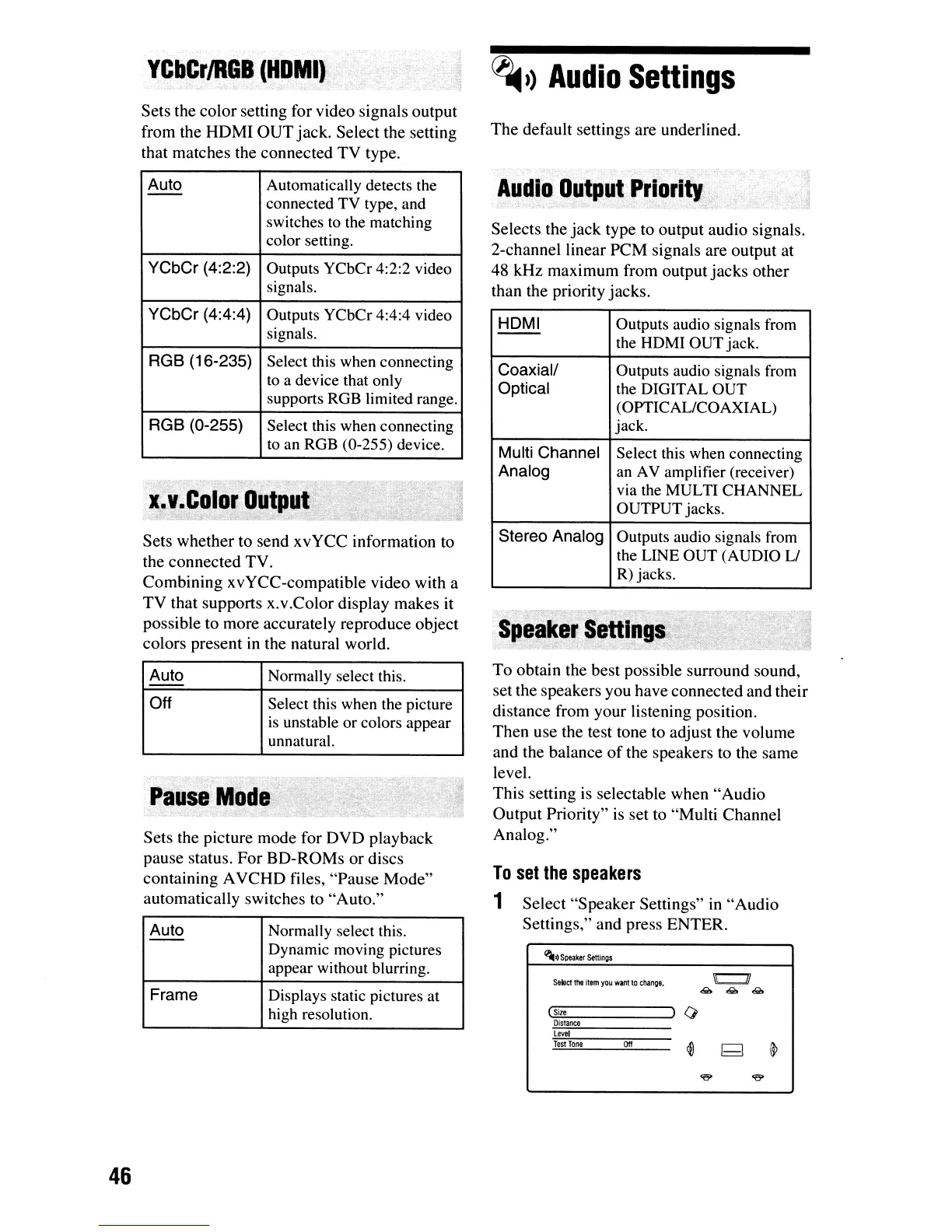
1 Select
"Speaker
Settings" in
"Audio
Settings," and press ENTER.
~1)
Speaker
Settings
Select
the
item
you
want
to
change.
""(Si"'-ze
~)
0
Distance
Levtl
46
Test
Tone
ott













 To Next Page