Setting
list
You
can
setup
the
following
options.
Icon
Explanation
t).
Network
Update
42
.
11.
,.'
...
}....
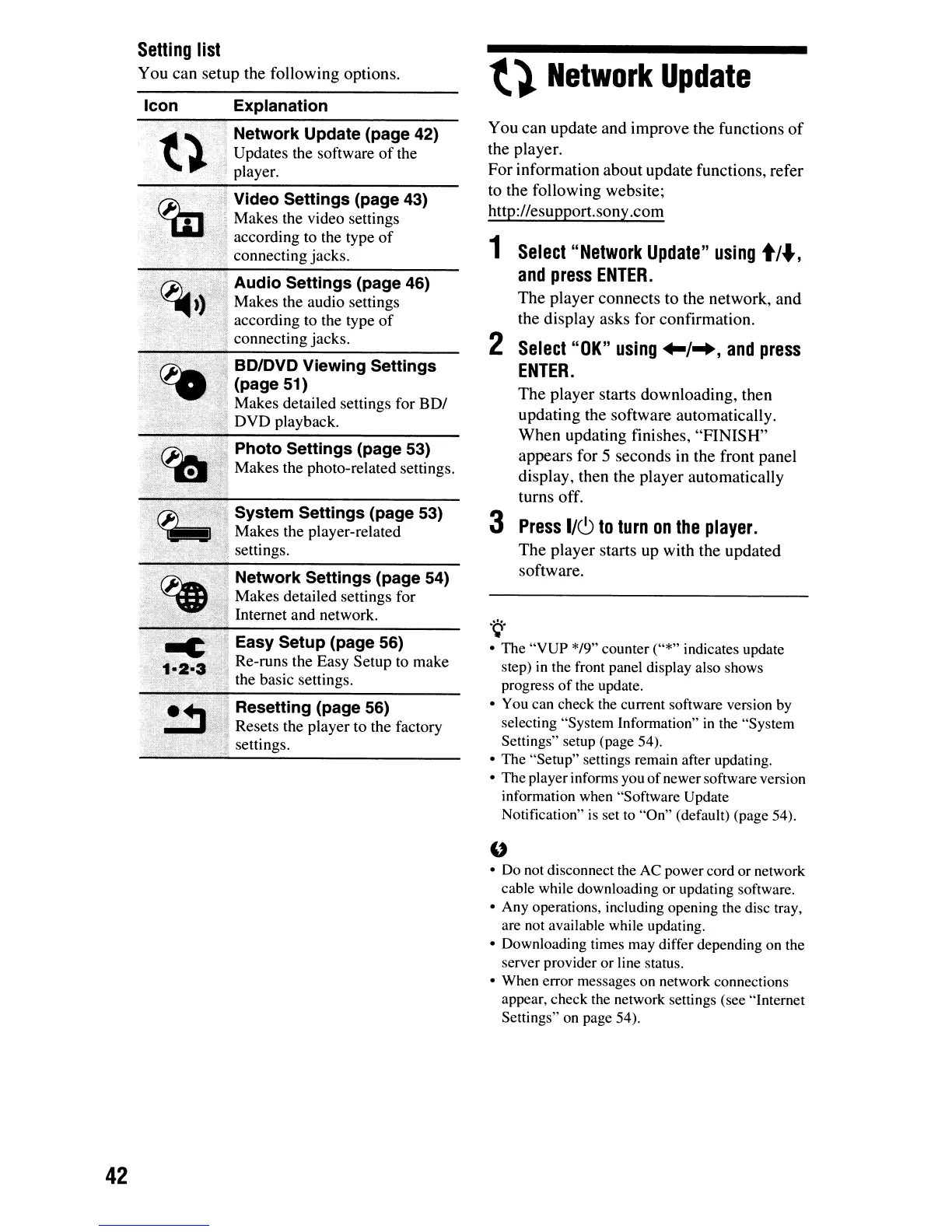
Network Update (page 42)
.\.
' Updates the software
of
the
, player.
'~.:.,'~
..
' ,
",.,
..•..
'.
;, Video Settings (page 43)
.
..'
Makes the video settings
:,; according to the type
of
. connecting jacks.
ij Audio Settings (page 46)
! Makes the audio settings
according to the type
of
connecting jacks.
BD/DVD Viewing Settings
(page 51)
Makes detailed settings for
BDI
DVD
playback.
Photo Settings (page 53)
Makes the photo-related settings.
System Settings (page 53)
Makes the player-related
,.~
settings.
......
HNetwork Settings (page 54)
Makes detailed settings for
Internet and network.
Easy Setup (page 56)
Re-runs the Easy
Setup
to make
the basic settings.
Resetting (page 56)
Resets the player
to
the factory
settings.
You
can
update
and
improve
the
functions
of
the
player.
For
information
about
update
functions,
refer
to
the
following
website;
http://esupport.sony
.com
1
Select
"Network
Update"
using
t/.,
and
press
ENTER.
The
player
connects
to
the
network,
and
the
display
asks
for
confirmation.
2
Select
"OK"
using
+-1-+,
and
press
ENTER.
The
player
starts
downloading,
then
updating
the
software
automatically.
When
updating
finishes,
"FINISH"
appears
for
5
seconds
in
the
front
panel
display,
then
the
player
automatically
turns
off.
3
Press
I/CJ
to
turn
on
the
player.
The
player
starts
up
with
the
updated
software
.
.~.
• The "VUP */9" counter ("*" indicates update
step)
in
the front panel display also shows
progress
of
the update.
• You can check the current software version by
selecting "System Information"
in
the "System
Settings" setup (page 54).
• The "Setup" settings remain after updating.
• The player informs you ofnewer software version
information when "Software Update
Notification"
is
set
to
"On" (default) (page 54).
"
• Do not disconnect the AC power cord or network
cable while downloading or updating software.
• Any operations, including opening the disc tray,
are not available while updating.
• Downloading times may differ depending on the
server provider or line status.
• When error messages on network connections
appear, check the network settings (see "Internet
Settings" on page
54).













 To Next Page