EasyManua.ls Logo

Sony BDP-S550 - Photo and System Settings Configuration; Photo Settings for Slideshows; System Settings Configuration Options

Sony BDP-S550
94 pages
Print Icon
To Next Page IconTo Next Page
To Previous Page IconTo Previous Page
Loading...
~
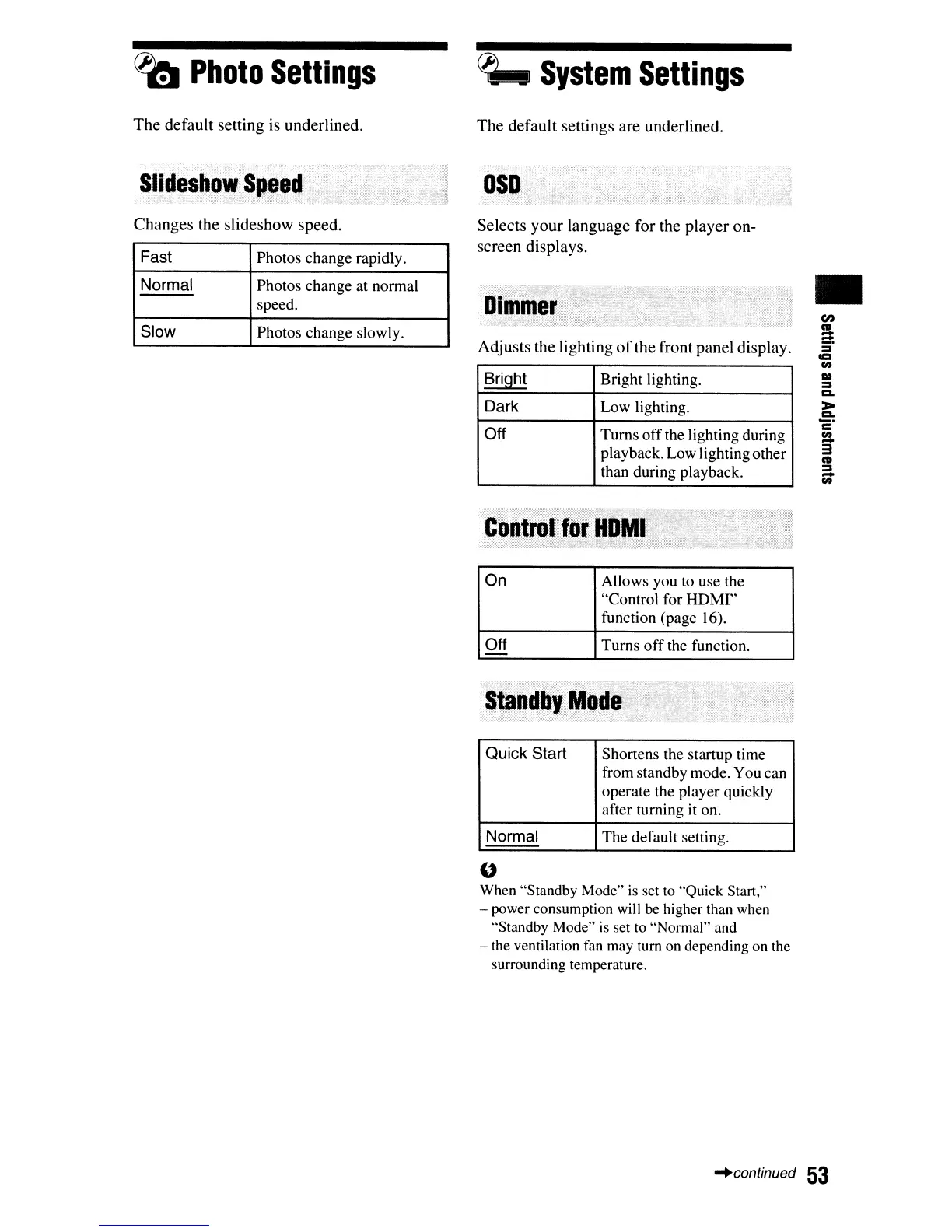
Photo
Settings
The
default
setting
is
underlined.
~
System
Settings
The
default
settings
are
underlined.
Selects
your
language
for
the
player
on-
screen
displays.
Changes
the
slideshow
speed.
Fast
Photos change rapidly.
Normal
Photos change at normal
speed.
Slow
Photos change slowly.
Adjusts
the
lighting
of
the
front
panel
display.
Bright
Bright lighting.
Dark
Low lighting.
Off
Turns
off
the lighting during
playback. Low lighting other
than during playback.
On Allows you to use the
"Control for HDMI"
function (page 16).
Off
Turns
off
the function.
-
Quick
Start
Shortens the startup time
from standby mode. You can
operate the player quickly
after turning it on.
Normal
The
default setting.
U
When "Standby Mode"
is
set
to
"Quick Start:'
- power consumption will be higher than when
"Standby Mode"
is
set to "Normal" and
- the ventilation
fan
may turn on depending on the
surrounding temperature.
en
CD
:::
:i'
CC!
(It
:::s
1:1.
>
1:1.
c"
~
3
CD
:::s
-
(It
"'continued
53

Other manuals for Sony BDP-S550

Related product manuals