3
Press
the
yellow
button
("Finish")
to
finish.
•
Available
buttons
"
When you set the "DNS Server (Primary)"1
"DNS Server (Secondary)" addresses
manually, enter the "DNS Server (Primary)"
address. Otherwise, the "Internet Settings"
will
be
set incorrectly.
4
If
your
ISP
has
a
specific
proxy
server
setting,
select
"Proxy
Settings"
using
tr.,
and
press
ENTER.
The
"Proxy
Settings"
display
appears.
If
the proxy
server
does
not
have
a
specific
setting,
go
to step 8.
5
Set
"Use
of
Proxy
Server"
to
"On."
6
Select
"Proxy
Server"
and
"Port,"
and
enter
the
settings.
To
enter
the
proxy
server,
see
"To
enter
characters"
(page
55).
7
Press
RETURN.
8
Select
"Network
Diagnostic"
using
t/
.,
and
press
ENTER.
9
Select
"Start,"
and
press
ENTER.
10
Check
that
the
message
"Network
connections
are
correct."
appears.
The
setup
is finished.
If
the
message
does
not
appear,
follow
the
on-screen
messages.
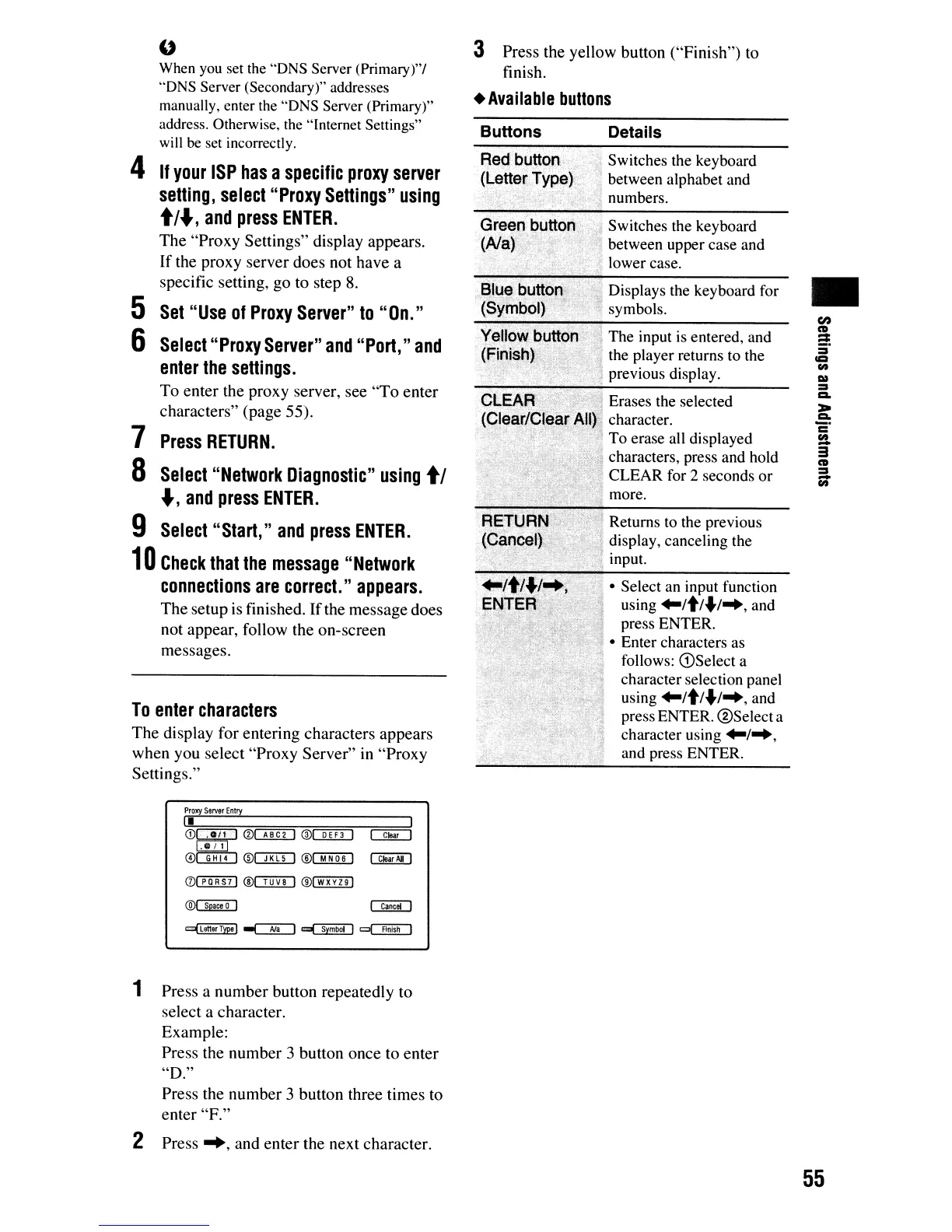
To
enter
characters
The
display for
entering
characters
appears
when
you
select
"Proxy
Server"
in
"Proxy
Settings."
Buttons
Details
.
..
Switches the keyboard
..
~
between alphabet and
numbers.
,~
Switches the keyboard
between upper case and
lower case.
dDisplays the keyboard for
,'7
symbols.
" The input is entered, and
the player returns to the
previous display.
Erases the selected
character.
To erase all displayed
characters, press and hold
CLEAR for 2 seconds
or
. more.
Returns to the previous
display, canceling the
input.
• Select an input function
using
'''It''.I''',
and
. press ENTER.
\ • Enter characters as
follows: G)Select a
character selection panel
using
...
/t/.I
...
,and
press ENTER.
®Select
a
character using
...
1
...
,
and press ENTER.
•
Proxy
Server
Entry
II
CDC!ZIJ
®OED
®CQIITJ
[!1JJ
0o::!illJ
®o::ITD
®mill
0(]]]]1J
®c::ImJ ®l wXYZ
91
®QE!ill
1 Press a
number
button repeatedly to
select
a
character.
Example:
Press
the
number
3
button
once
to
enter
"D."
Press
the
number
3
button
three
times
to
enter
"F."
2
Press
-+,
and
enter
the
next
character.
55













 To Next Page