5-15
1-3. CAMERA SYSTEM ADJUSTMENTS
Before perform the camera system adjustments, Check that the
specified value of “28MHz Origin Oscillation Adjustment”, “Y OUT
level Adjustment” and “C OUT level Adjustment” of “VIDEO
SYSTEM ADJUSTMENT” are satisfied.
1. G-CAM flip Adjustment
Set the color reproduction conditions to optimum.
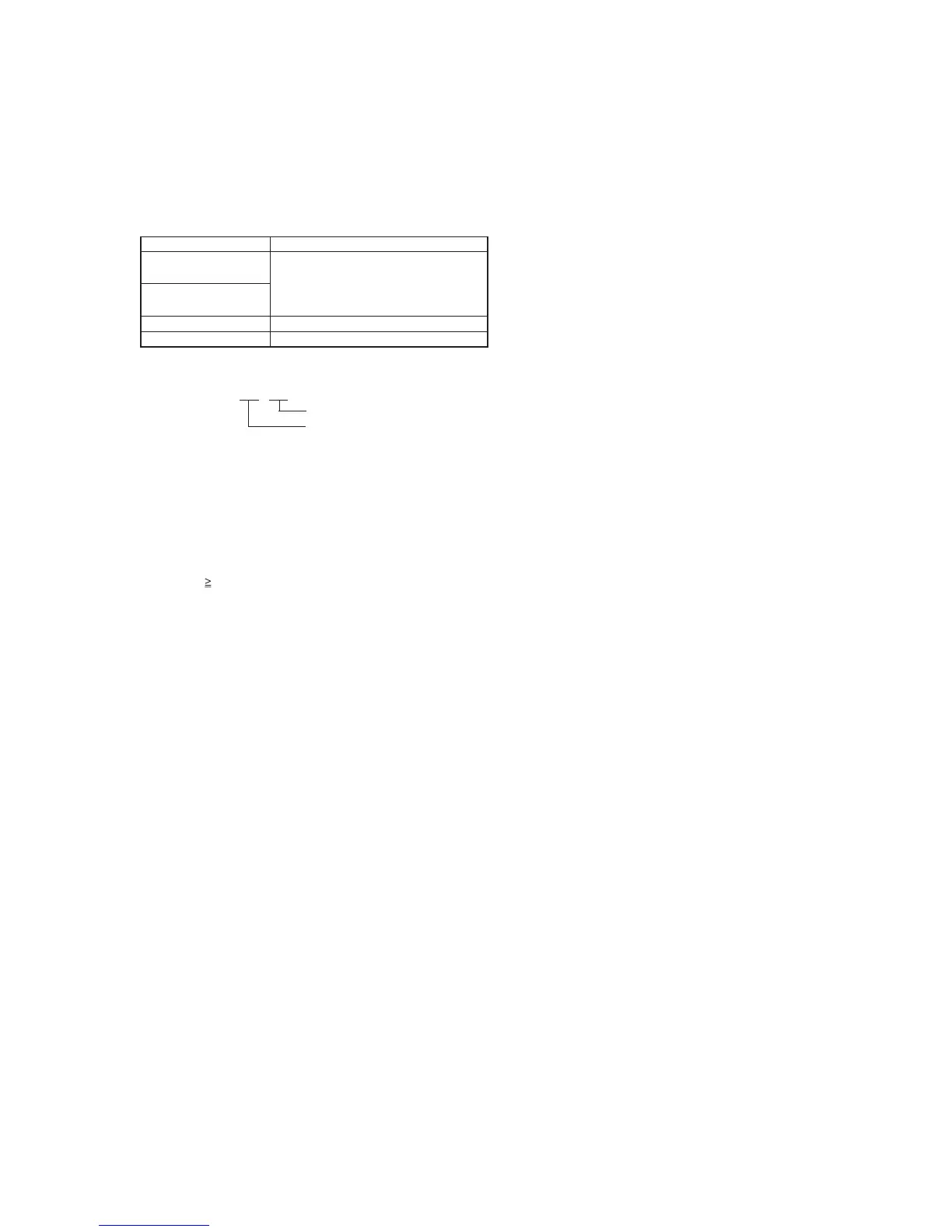
Subject Color bar chart standard picture frame
Measurement Point Display data of page 1 of the adjusting
remote commander (Note 1)
Measuring Instrument
Adjustment Page F
Adjustment Address 21
Note 1. Displayed data of page 1 of the adjusting remote com-
mander.
1 : XX : XX
n S2
n S1
Adjusting method:
1) Select page: 0, address: 01, and set data: 01.
2) Select page: 0, address: 03, and set data: 16.
3) Select page 1 of the adjusting remote commander, and compare
the higher 2 digits (S1) and lower 2 digits (S2) of the 4-digits
display data.
When S1<S2
Perform steps 4) onwards.
When S1 S2
Perform steps “Processing after Completing Adjustments”.
4) Select page: F, address: 21, set data:
when the read data is 50, change to D0, and the read data is D0,
change to 50, (initial value is 52) and press the PAUSE button of
the adjusting remote commander.
Processing after Completing Adjustments
1) Select page: 0, address: 03, and set data: 00.
2) Select page: 0, address: 01, and set data: 00.








 To Next Page