Viewingmenu Fordetai/sontheoperation_ page26
The default settings are marked willa 8.
Selecls the folder centaining tile image yeu vvanl to play back 'hen uin_ the camera vvifla
"Memory Slick Duo".
OK See the following procedure.Cancel Cancels Ihe selection.
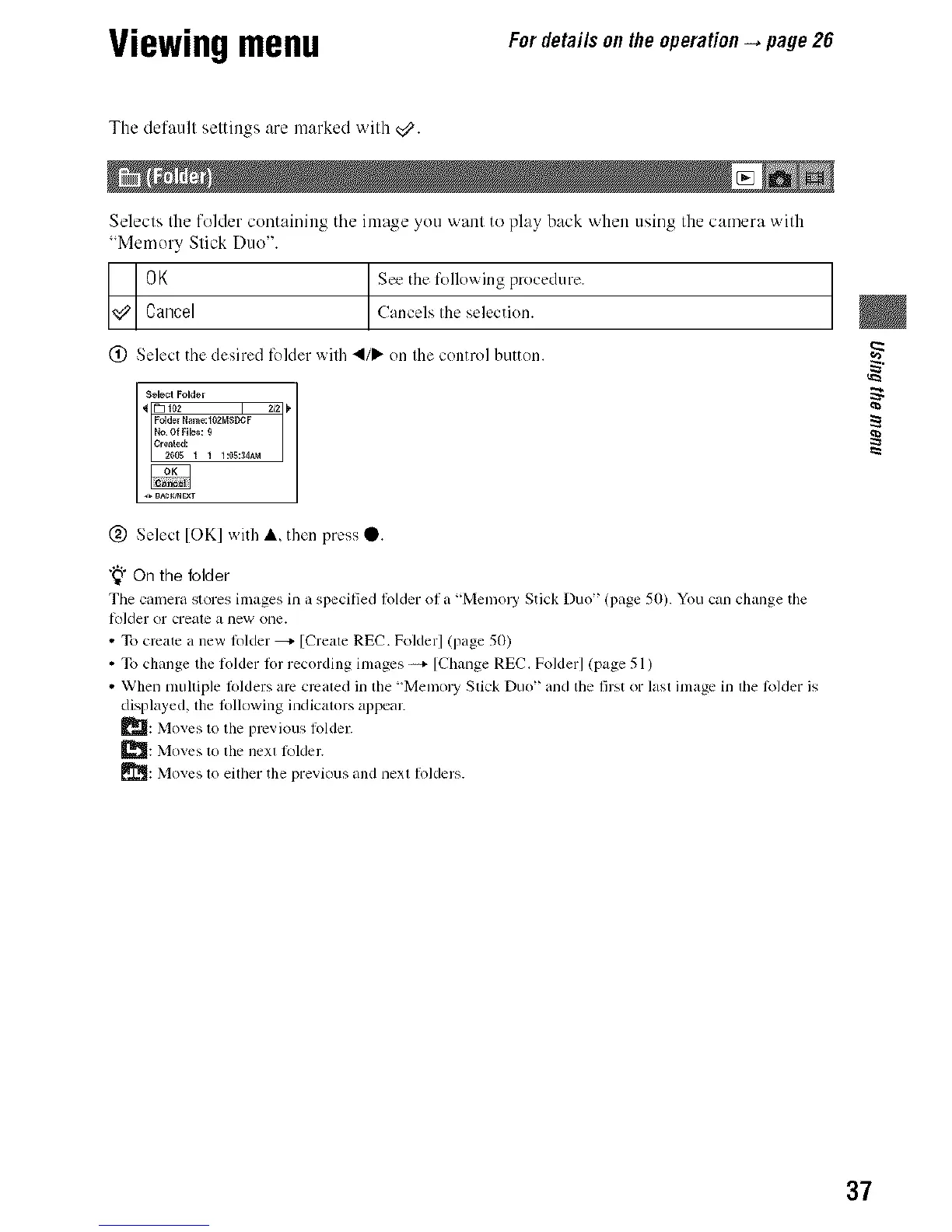
(_) Select the desired fekler wilh 4/_- on Ihe control button.
Select Folder
_ [_ 1o2 2/_ _
Fddcr Nam_:102MSDCF
Crated:
(_) Select [OK] with A then press _.
"_" On the folder
Tile camera stores images in a specified lolder of a "Memol T Stick Duo' (page 50). You can change tile
lolder or creale a new one.
• To create a new lolder _- [Create REC. Folder] (page 50)
• To change the lolder lot recording images _ [Change REC. Folder] (page 51)
• When mulliple lolders am crcaled in the "Memol T Slick Duo" and the first or lasl image in lhe lolder is
displayed, lhe lollowing indicalors appeal:
_: Moves to the previous lbldel:
_J: Moves to the nexl lkllder.
_1]: Moves 1o eilher the previous and nexl Ikqders.
¢a
37



 To Next Page
 Loading...







