Using yo lr _ompu_or
EnjoyingyourWindowscomputer
For details on using a Macintosh computer,
refer to "Using your Macintosh computer"
(page 67).
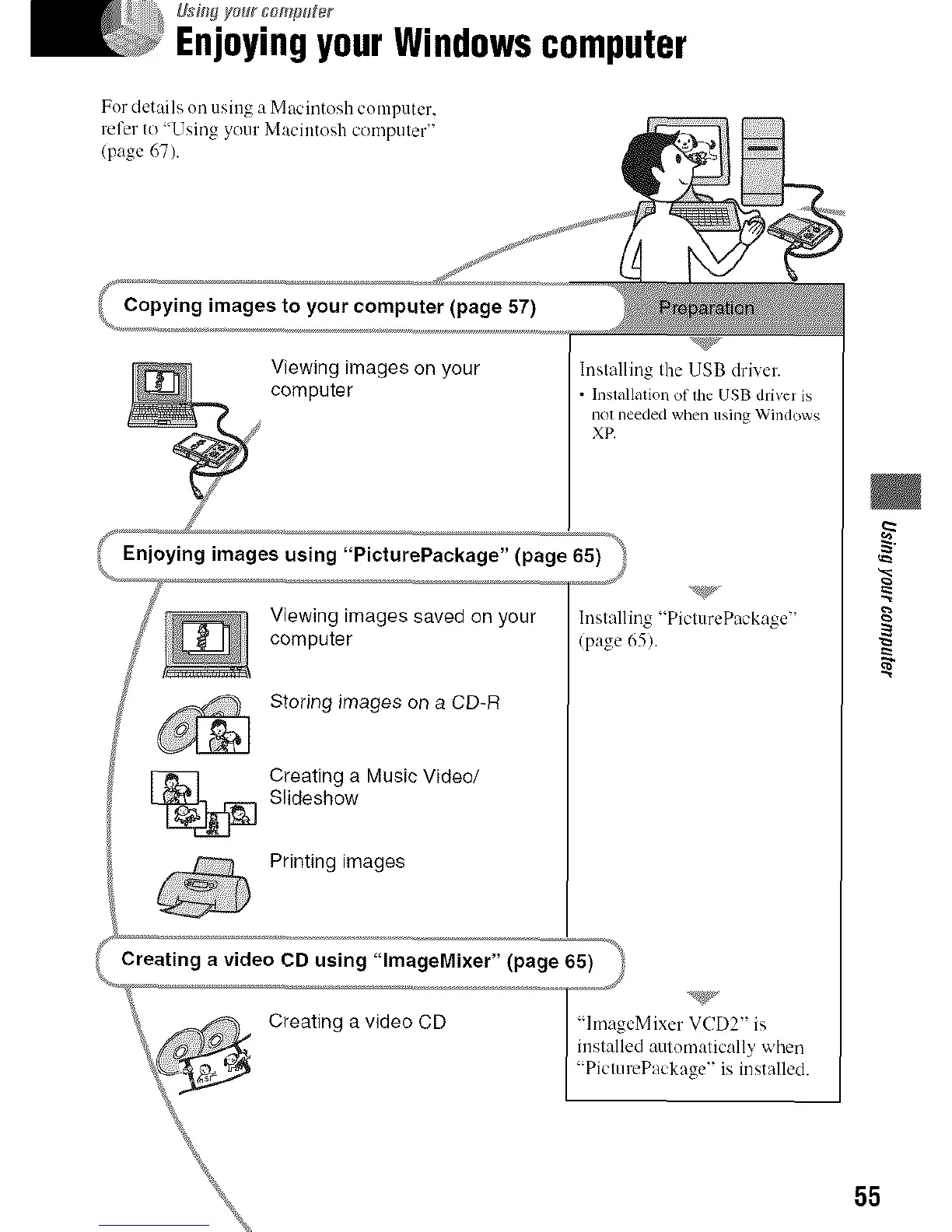
(<_Copying images to your computer (page 57)
Viewing images on your
computer
Installing the USB driver.
* Installation of the USB driver is
nol needed when using Windows
XE
Enjoying images using "PicturePackage" (page 65)
Viewing images saved on your
computer
Storing images on a CD-R
[_ Creating a Music Video/
Slideshow
Printing images
"PicturePackage"
(page 65).
Creating a vide t CD us!n? "lmage Mixer" (page ]_) <'*_9_'_
Creating a video CD /"lmageMlxer VCD2 'is
/ inslalled automatically v,'her_
[ "PicturePackage" is installed.
m
t_
55



 To Next Page
 Loading...







