20
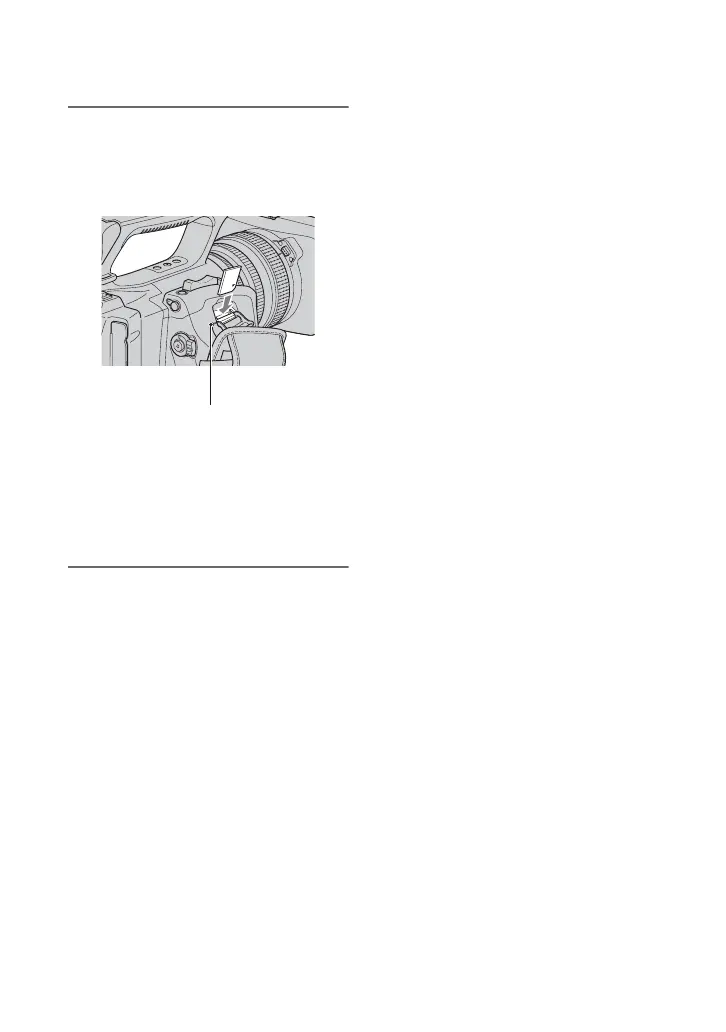
2 Insert the “Memory Stick Duo”
media into the “Memory Stick
Duo” media slot in the right
direction until it clicks.
b Notes
• If you insert the “Memory Stick Duo”
media into the slot in the wrong direction,
the “Memory Stick Duo” media, the
“Memory Stick Duo” media slot, or image
data may be damaged.
To eject a “Memory Stick Duo” media
Lightly push the “Memory Stick Duo”
media once.
b Notes
• When the access lamp is lit or flashing, your
camcorder is reading/writing data. Do not shake
or knock your camcorder, turn the power off,
eject the “Memory Stick Duo” media, or remove
the battery pack. Otherwise, image data may be
damaged.
• When inserting or ejecting the “Memory Stick
Duo” media, be careful with the “Memory Stick
Duo” media from popping out and dropping.
Access lamp
Step 7: Inserting a tape or a “Memory Stick Duo” media (Continued)















 To Next Page