40
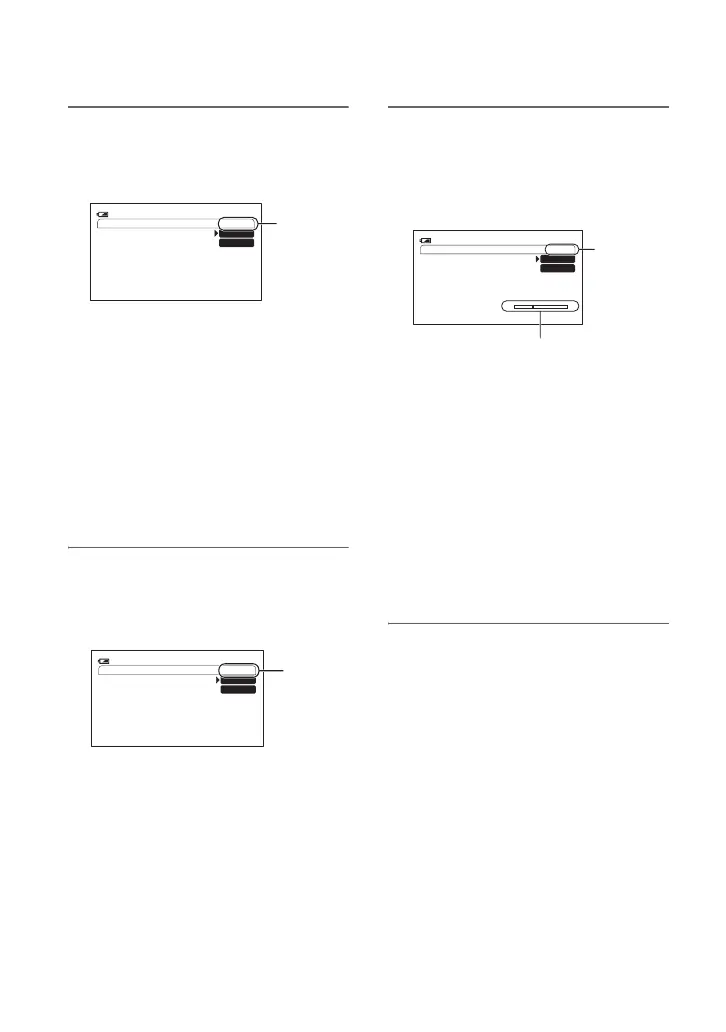
2 Store the settings (shot)
1 Press the ASSIGN 4 button repeatedly
to bring up the SHOT TRANSITION
STORE screen.
2 Adjust the desired items manually.
See pages 24 to 30 for details on
adjustment.
3 Press the ASSIGN 5 button for storing
the setting in SHOT-A, or the
ASSIGN 6 button for storing the setting
in SHOT-B.
b Notes
• The setting values assigned to SHOT-A and
SHOT-B are deleted when the POWER
switch is turned to OFF (CHG).
3 Check the stored settings
1 Press the ASSIGN 4 button repeatedly
to bring up the SHOT TRANSITION
CHECK screen.
2 Press the ASSIGN 5 button to check
the SHOT-A. Press the ASSIGN 6
button to check the SHOT-B.
The selected setting will take effect on
the picture on the screen. The focus,
zoom, and so on, are automatically
adjusted as stored in the setting.
b Notes
• On the shot transition check screen, the
settings do not shift to the stored settings of
the transition time and curve set in [TRANS
TIME] and [TRANS CURVE] (
p. 60)
4 Record using the shot transition
function
1 Press the ASSIGN 4 button repeatedly
to bring up the SHOT TRANSITION
EXEC screen.
2 Press the REC START/STOP button.
3 Press the ASSIGN 5 button for
recording with SHOT-A, or the
ASSIGN 6 button for recording with
SHOT-B.
The settings shift from the current ones
to the stored ones.
z Tips
• Press the ASSIGN 4 button repeatedly to
cancel the SHOT TRANSITION.
b Notes
• You cannot zoom, focus, or adjust manually
while checking or activating the Shot transition.
• When you change [SHOT TRANSITION]
(p. 60), press the ASSIGN 4 button repeatedly
to exit the shot transition screen.
• You cannot return from the stored SHOT-A or
SHOT-B settings to previous settings after you
execute the shot transition during recording.
• If you press the following buttons during the
shot transition operation, the operation will be
canceled:
– PICTURE PROFILE button
– MENU button
– The PHOTO/EXPANDED FOCUS button or
ASSIGN button to which [EXP.FOCUS] is
assigned.
– STATUS CHECK button
SHOT TRANSITION STORE
STBY
0:00:0560
min
SHOT-A
SHOT-B
STORE
SHOT TRANSITION CHECK
STBY
0:00:0560
min
SHOT-A
SHOT-B
CHECK
SHOT TRANSITION EXEC
ES
STBY 0:00:0560
min
SHOT-A
SHOT-B
Transition bar
S: start
E: end
EXEC
Assigning the functions to the ASSIGN buttons (Continued)















 To Next Page