50
b Notes
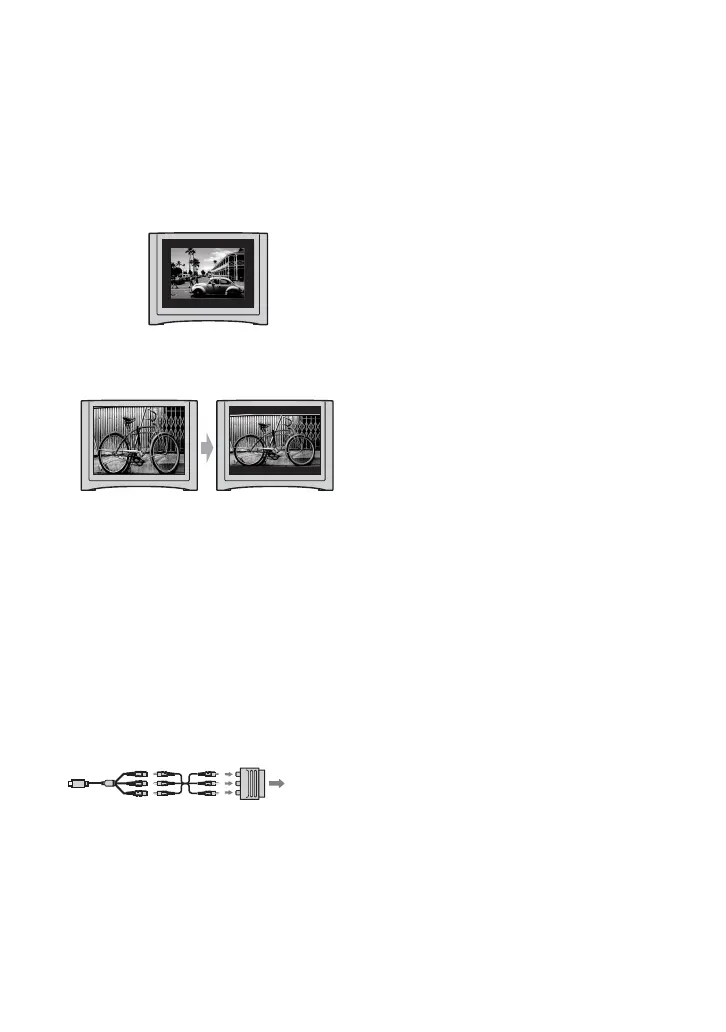
• When you set [TV TYPE] to [4:3], or when the
picture’s aspect ratio switches between 16:9 and
4:3, the image may jitter.
• On some 4:3 TVs, a still image recorded in 4:3
aspect ratio may not appear in full screen. This
is not a malfunction.
• When you play back a picture recorded in 16:9
aspect ratio on a 4:3 TV not compatible with the
16:9 signal, set [TV TYPE] to [4:3].
When your TV is monaural (Only one
audio input jack)
Connect the yellow plug of the A/V
connecting cable to the video input jack and
connect either the white (left channel) or
the red (right channel) plug to the audio
input jack of your TV or VCR.
If your TV/VCR has a 21-pin adaptor
(EUROCONNECTOR)
Use an optional 21-pin adaptor to view
playback pictures.
TV/VCR
Playing the picture on a TV (Continued)















 To Next Page