61
Using the Menu
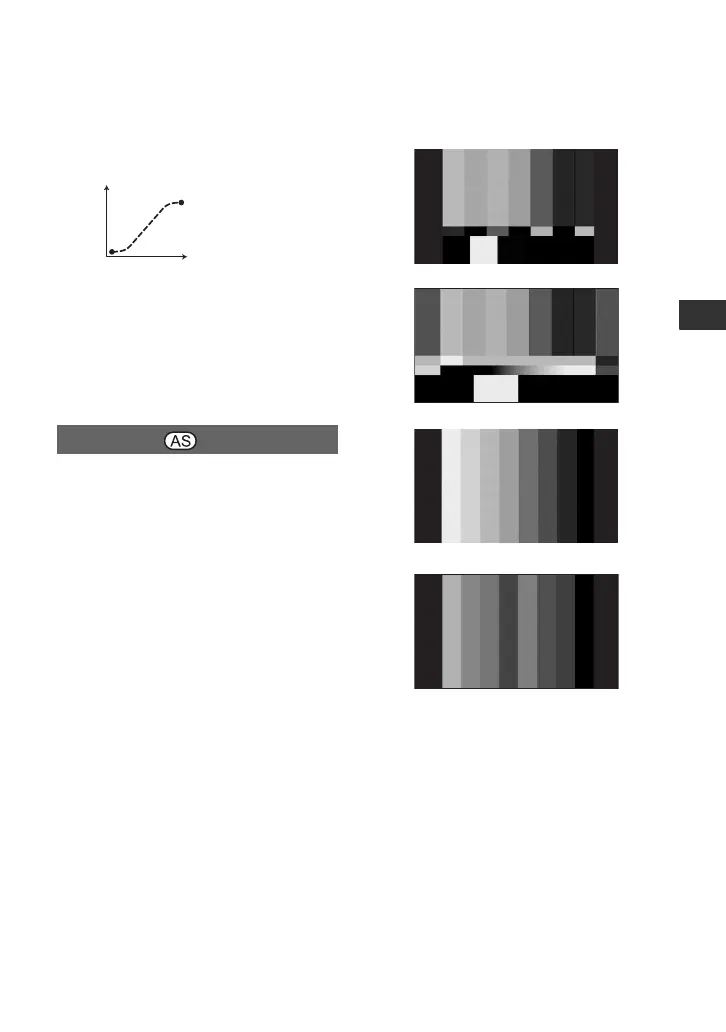
SOFT TRANS
Make the transition slowly at the
beginning and end, and linearly in
between.
b Notes
• You cannot change [TRANS TIME] and
[TRANS CURVE] settings during store, check,
or execution of [SHOT TRANSITION]. Cancel
[SHOT TRANSITION] setting by pressing the
ASSIGN 4 button several times before changing
[TRANS TIME] or [TRANS CURVE] setting.
x ON/OFF
When you select [ON], you can display
color bars on the screen or record them on a
tape. This function helps you to adjust
colors when you view movies recorded
with your camcorder on a TV or a monitor.
The default setting is [OFF].
b Notes
• This function is automatically set to [OFF]
when you turn the power off and back on.
• When [DV WIDE REC] is set to [ON], color
bars are displayed and recorded full-screen.
x TYPE
• Selects a type of the color bars.
COLOR BAR
*1
*2
TYPE1
TYPE2
TYPE3
TYPE4
(75% brightness of TYPE3)














 To Next Page