65
Using the Menu
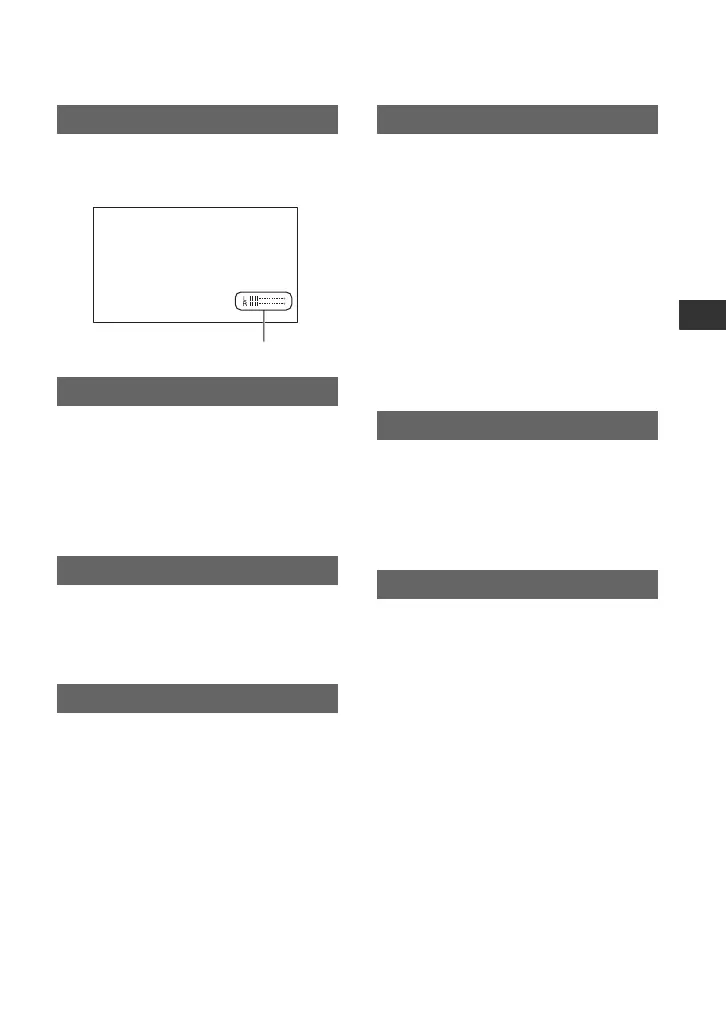
When you set this function to [ON], you
can display the audio level meter on the
screen. The default setting is [ON].
You can adjust the brightness of the LCD
screen with the SEL/PUSH EXEC dial.
Changes in the LCD brightness will not
affect the brightness of recording images.
z Tips
• You can also turn off the LCD backlight (p. 16).
You can adjust the LCD color intensity
using the SEL/PUSH EXEC dial. Changes
in the LCD color level will not affect the
color level of recording images.
You can adjust the brightness of the LCD
screen’s backlight.
B NORMAL
Standard brightness.
BRIGHT
Brightens the LCD screen.
b Notes
• When you connect your camcorder to outside
power sources, [LCD BL LEVEL] is
automatically set to [BRIGHT].
• When you select [BRIGHT], the recordable
time with the battery is slightly reduced.
You can adjust the brightness of the
viewfinder.
B NORMAL
Standard brightness.
BRIGHT
Brightens the viewfinder screen.
b Notes
• When you connect your camcorder to outside
power sources, [BRIGHT] is automatically
selected for the setting.
• When you select [BRIGHT], the recordable
time with the battery is slightly reduced.
B AUTO
Turns on the viewfinder while you close
the LCD panel or record in mirror mode.
ON
Always turns on the viewfinder.
B NORMAL
Displays the menu in regular letter size.
2x
Displays the selected menu items in letter
size, the height of which is doubled.
AU.LVL DISP (Audio level display)
LCD BRIGHT
LCD COLOR
LCD BL LEVEL
Audio level meter
VF B.LIGHT
VF POWERMODE
LETTER SIZE
Continued ,















 To Next Page