DHC-AZ55D/AZ33D.GB.3-215-548-11(1)
48
GB
To search for a particular point using
the time code Time Search
(DVD VIDEO and DVD-R/-RW in VR
mode only)
1
Press DISPLAY
.
2
Press
or
repeatedly to select
(TIME/TEXT).
“T **:**:**” (elapsed playing time of
the current title) is selected.
3
Press ENTER
.
“T **:**:**” changes to “T--:--:--”.
4
Input the time code using the
numeric buttons
, then press
ENTER
.
For example, to nd the scene at 2
hours, 10 minutes, and 20 seconds
aer the beginning, enter “21020”.
If you make a mistake, press CLEAR
to cancel the number.
Note
Depending on the disc, you cannot perform
Time Search.
Searching by scene
Picture Navigation
1
Press PICTURE NAVI
repeatedly to select the viewer
format you want to search in.
CHAPTER VIEWER (DVD
VIDEO)
TITLE VIEWER (DVD VIDEO)
TRACK VIEWER (VIDEO CD or
Super VCD)
2
Press ENTER
.
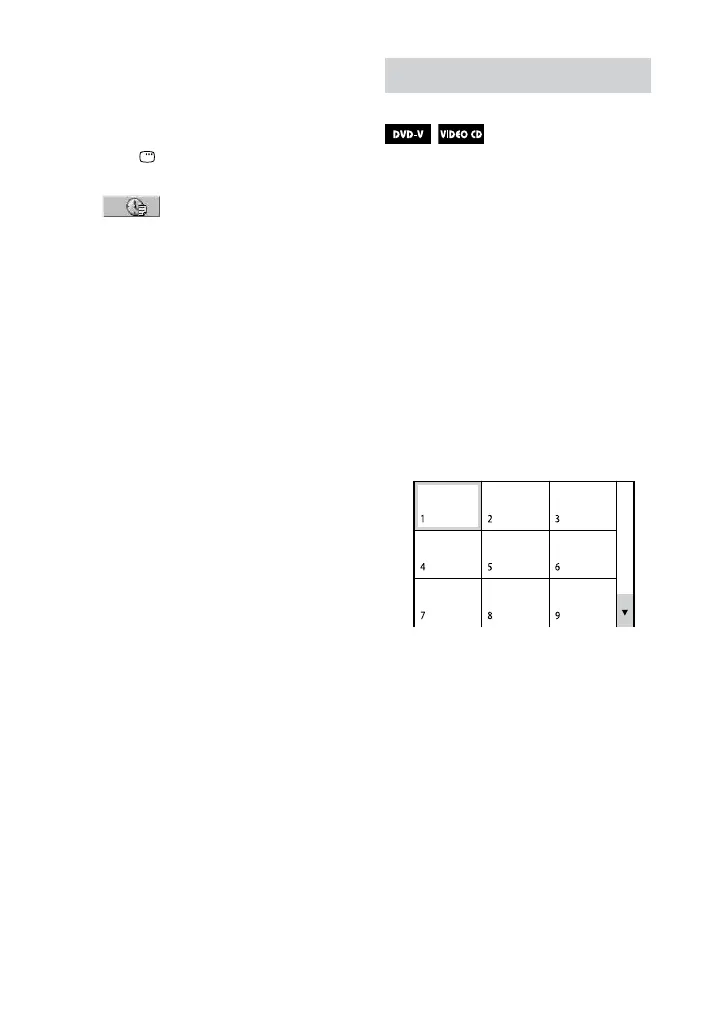
e rst scene of the rst 9 chapters,
titles or tracks appears. If there are
more than 9 chapters, titles, or tracks,
“” appears at the bottom right of
the screen.










 To Next Page