DHC-AZ55D/AZ33D.GB.3-215-548-11(1)
94
GB
Enjoying karaoke using the
control menu
1
Press DISPLAY
once or
twice when Karaoke Mode is
turned on while playing a disc.
e Control Menu appears on the TV
screen.
2
Press or
repeatedly to
select the Karaoke item from the
displayed list, then press ENTER
.
e Karaoke item is selected.
3
Press or
repeatedly to
select the setting you want,
then press ENTER
.
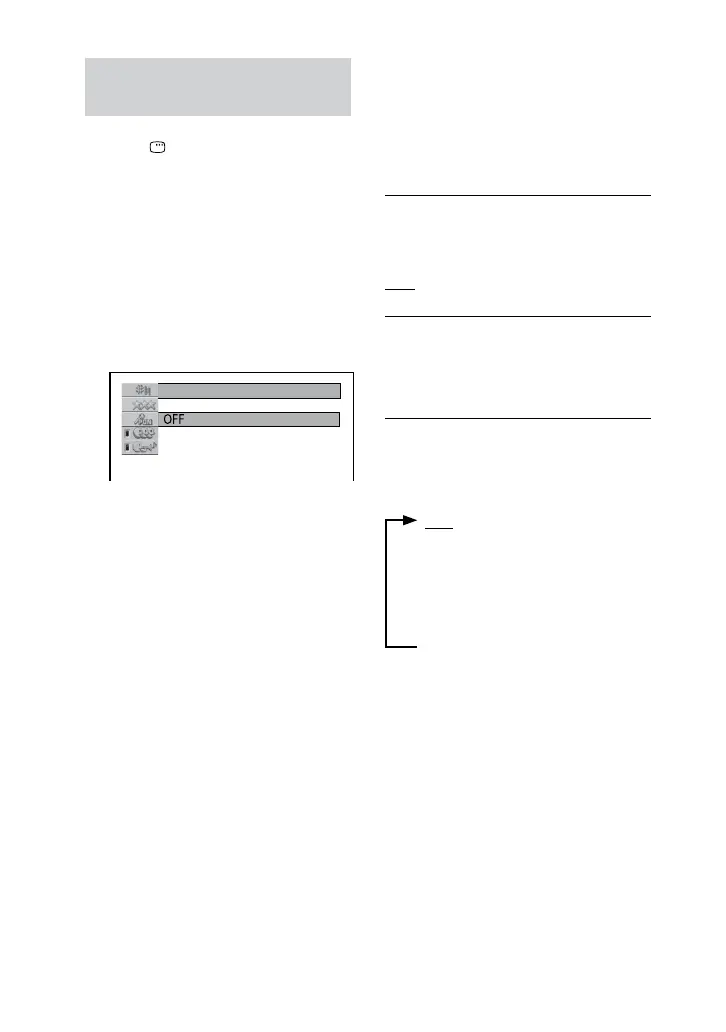
Setting Karaoke Mode
e default settings are underlined.
KARAOKE PON
1)
ON: Enjoy karaoke with any disc, even
if it is not a karaoke or multiplex disc by
reducing the sound of the vocal.
OFF: Cancel the “KARAOKE PON”
eect.
KEY CONTROL
2)
Adjust the pitch of the music to suit your
vocal range.
Select “” to cancel the “KEY
CONTROL” eect.
VOCAL SELECT
3)
(DVD VIDEO, VIDEO CD, AUDIO CD
only)
When playing a DVD VIDEO
4)
:
OFF (Turns o the Guide vocal)
1+2 (Guide vocal 1+2)
1 (Guide vocal 1)
2 (Guide vocal 2)










 To Next Page