9
GB
Before you begin
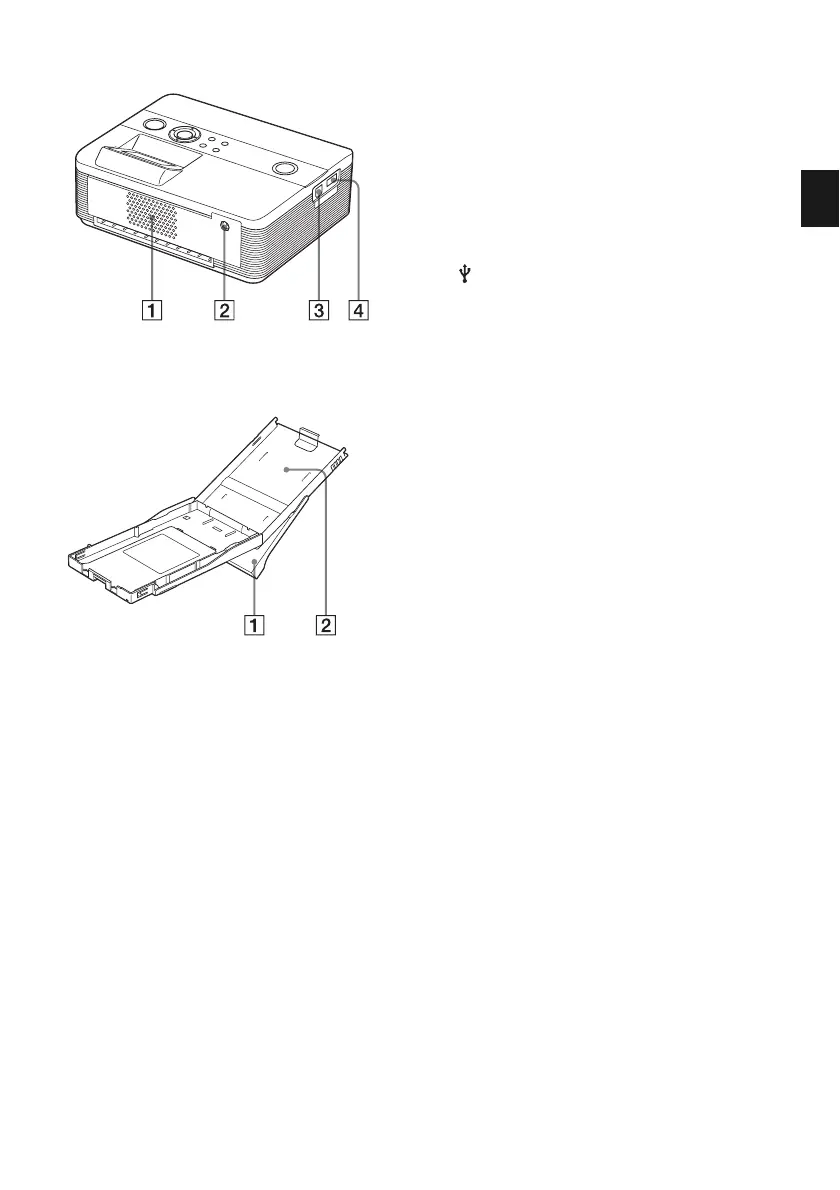
Printer rear panel
1 Ventilation holes
2 DC IN 24V jack (page 16)
Connect the supplied AC power adaptor
into this connector.
Printer left side panel
3 USB connector (page 49)
When using the printer in PC mode,
connect a PC into this connector.
4 PictBridge connector
(pages 19, 46)
Paper tray
1 Paper eject tray (pages 13, 14)
2 Paper tray lid (pages 13, 14)



 To Next Page