32
GB
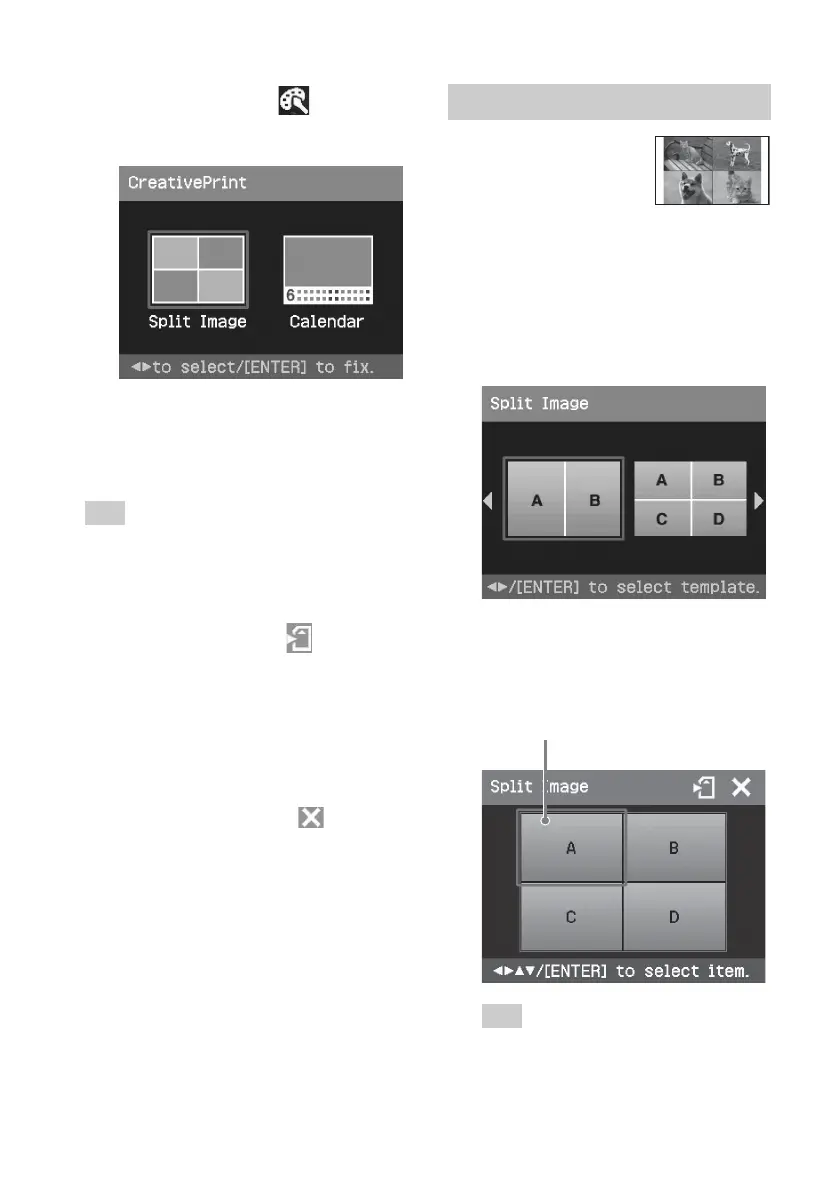
Making split images
You can make a print
with 2-split, 4-split, 9-
split, 13-split, or 16-
split images.
1
Display the Creative Print menu
(page 31).
2
Press g/G to select “Split Image”,
then press ENTER.
The split image templates are
displayed.
3
Press g/G to select the desired
template, then press ENTER.
The preview of the selected template
is displayed.
Image area
Tip
You can select and set each area in any
order.
2
Press g/G to select (Creative
Print) and then press ENTER.
The Creative Print menu is displayed.
To undo the operation midway
Press CANCEL. The window of the
previous step is displayed. Depending on
the step, you cannot undo the operation.
Tip
You can press MENU while making a Creative
Print and set part of the Set Up menu items.
To save Creative Print (page 30)
• To save an image, select
on the
window.
To exit the Creative Print menu
• Press MENU in the middle of the
operations and select “Creative Print
Complete”.
• Display the preview image and then
press g/G/f/F to select
and press
ENTER.
The dialog box for saving an image may
be displayed (page 30).



 To Next Page