65
For details on the operation
t
page 31
Using the menu
Viewing menu
The default settings are marked with .
Selects the folder containing the image you want to play back when using the camera with
recording medium.
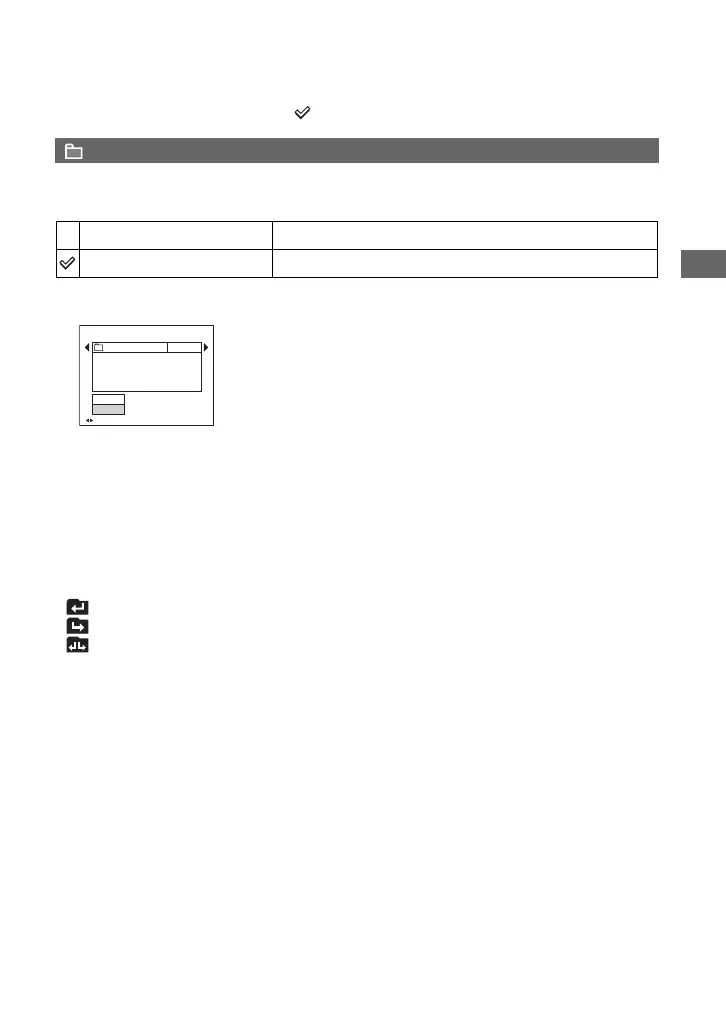
1 Select the desired folder by moving the multi-selector to b/B.
2 Select [OK] by moving to v, then press the center of the multi-selector.
z On the folder
The camera stores images in a specified folder of a recording medium (pages 76, 78). You can change the
folder or create a new one.
• To create a new folder t [Create REC. Folder] (pages 76, 78)
• To change the folder for recording images t [Change REC. Folder] (pages 77, 79)
• When multiple folders are created in the recording medium and the first or last image in the folder is
displayed, the following indicators appear.
: Moves to the previous folder.
: Moves to the next folder.
: Moves to either the previous and next folders.
(Folder)
OK
See the following procedure.
Cancel
Cancels the selection.
BACK/NEXT
Select Folder
Cancel
OK
Folder Name:
102 2/2
Created:
No. Of Files:
2005
102MSDCF
9
111::05:34
AM



 To Next Page