28
Shooting
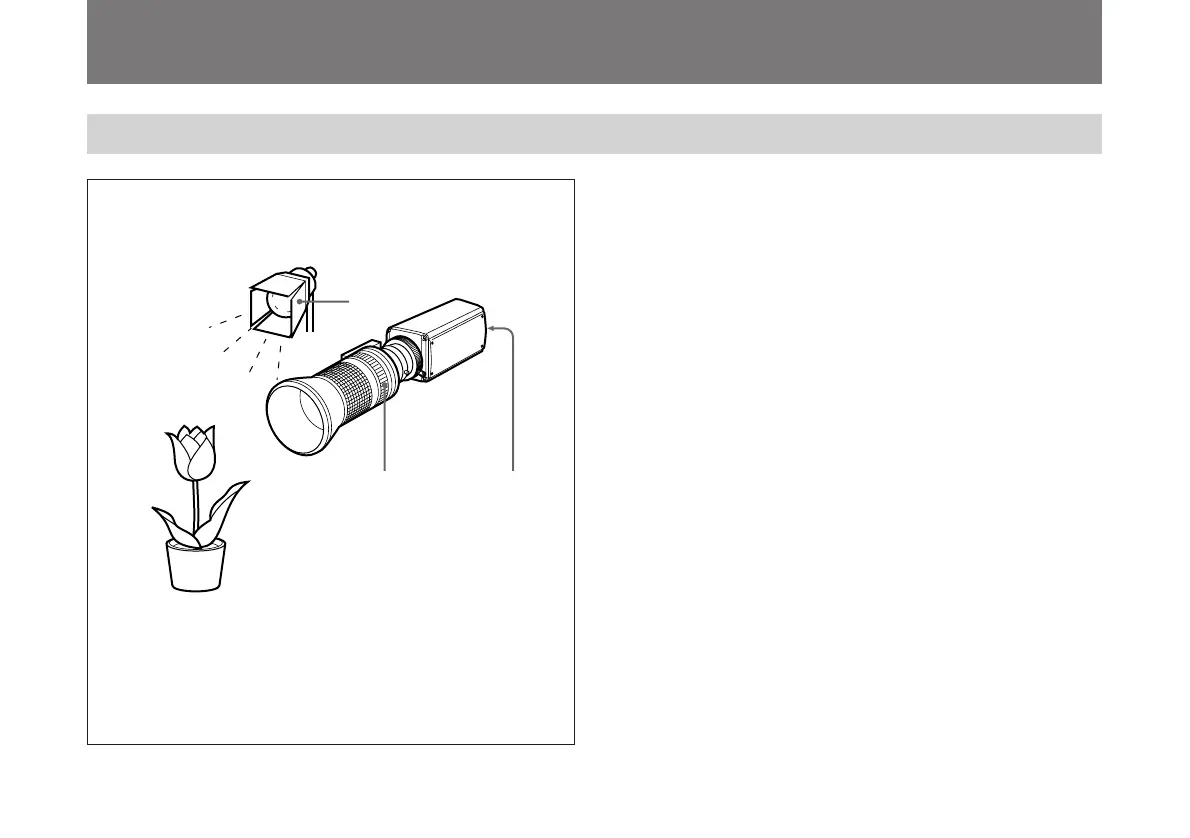
Basic Shooting Procedure
1 Turn on the power of the camera and all connected
devices.
2 Illuminate the subject with proper lighting.
3 Aim the camera and adjust the iris, focus and zoom.
4 Adjust the white balance.
For more details, see “Adjusting the White Balance” on page
29.
5 Adjust the settings as needed.
For more details, see “Adjusting and Setting with Menus” on
page 11.
6 Start shooting.
2
3
4, 5



 To Next Page