7
Location and Functions of Parts and Controls
Front Panel/Top Panel/Bottom Panel
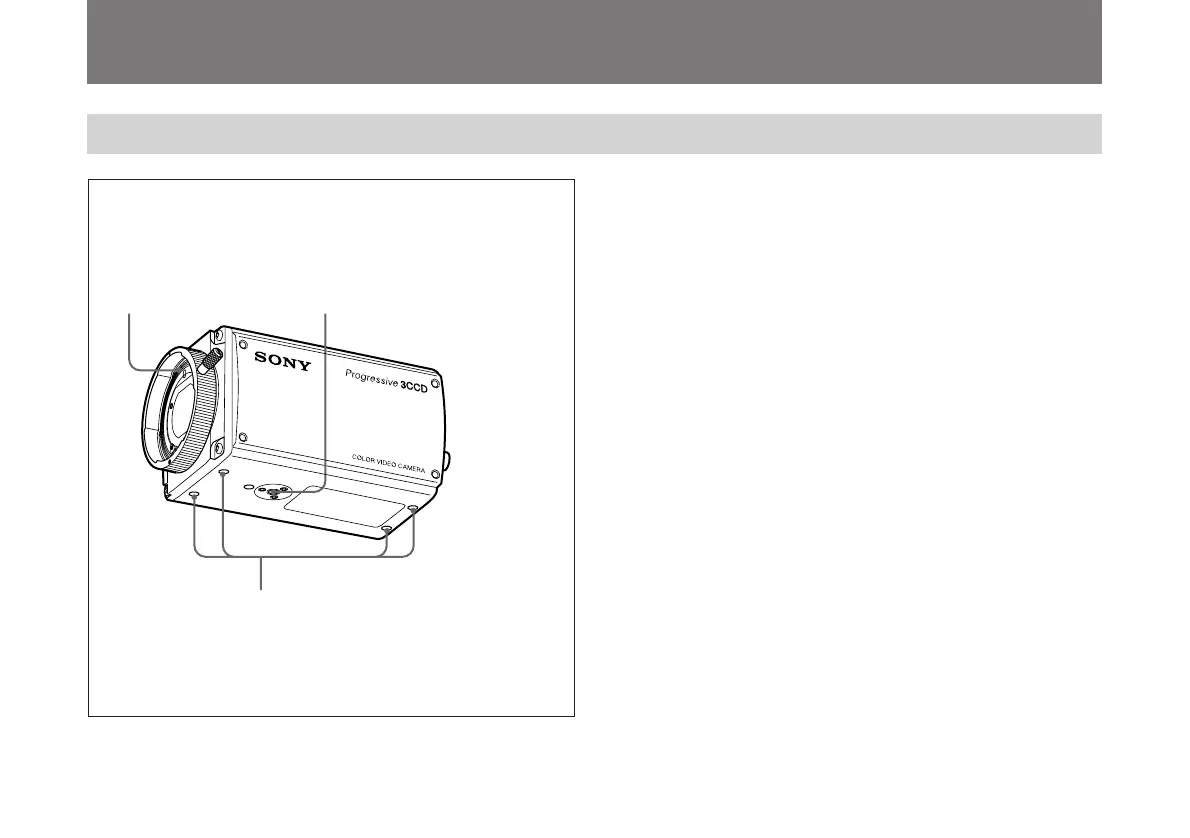
1 Lens Mount
Attach a zoom lens or micropscope adaptor.
2 Installation/tripod holes (top/bottom)
Use these holes when attaching the camera to a wall or
ceiling or tripod (screw: 1/4", 20 ridges).
3 Camera fixing holes (top/bottom)
Use these holes (M3, depth of the hole:5 mm) to attach the
camera to a wall or ceiling when you do not use the
Installation/tripod holes2.
1 Lens Mount
2 Installation/tripod holes
(The top panel also has holes.)
3 Camera fixing holes
(The top panel also has holes.)



 To Next Page