13
VIDEO OUT
REMOTE
LENS
MENU FUNCTION DATA
UP
WHITE
BARS
SCAN
DOWN
FREEZE
SOURCE
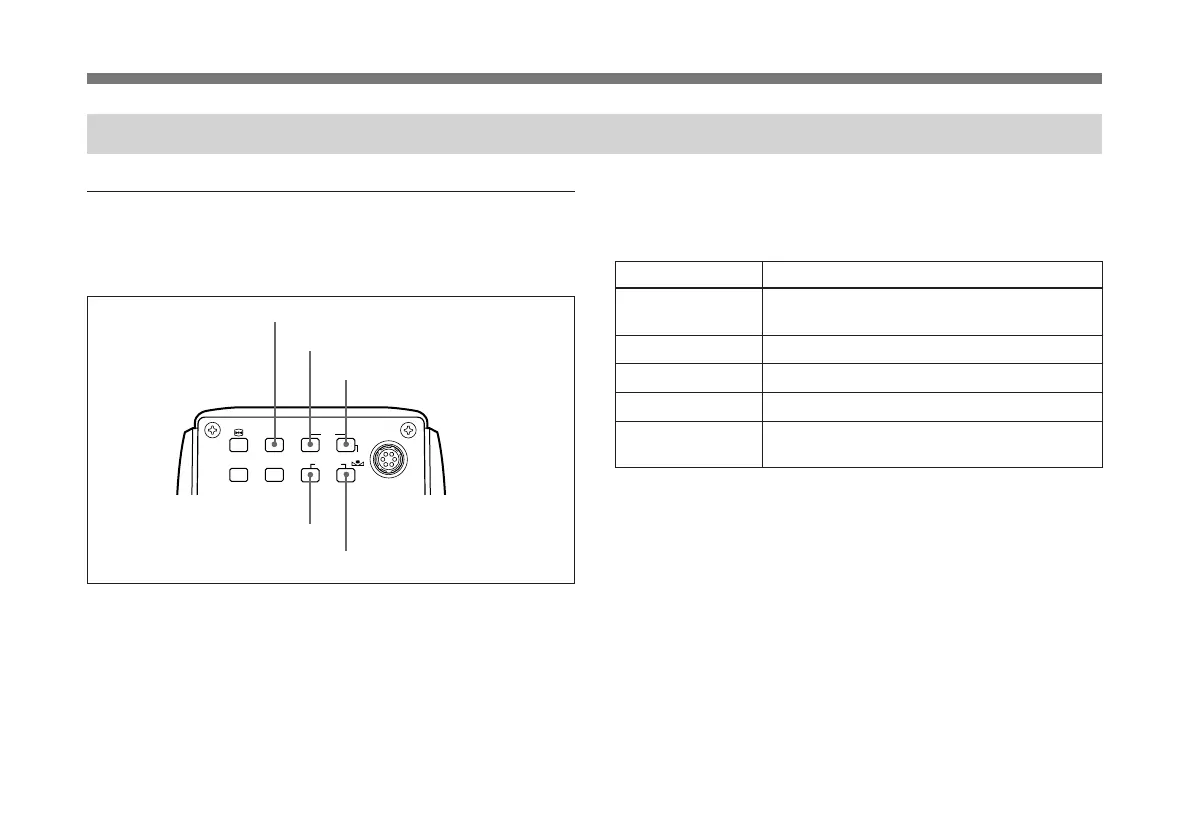
MENU button
FUNCTION UP button
DATA UP button
FUNCTION DOWN button
DATA DOWN button
Operation through Menus
Menu operation buttons
There are five buttons for menu operations on the rear panel
of the unit.
The following tables shows the functions of menu operation
buttons.
Button Function
MENU Displays the menu by pressing this button. To
hide the menu, press the button again.
FUNCTION UP Moves the cursor upward.
FUNCTION DOWN Moves the cursor downward.
DATA UP Increases the value. Changes the menu page.
DATA DOWN Decreases the value. Changes the menu
page.



 To Next Page