29
VIDEO OUT
EXT CTRL
DC IN/
REMOTE
LENS
MENU FUNCTION DATA
UP
WHITE
BARS
RGB/SYNC
VBS
SCAN
DOWN
FREEZE
SOURCE
2
7
1, 3
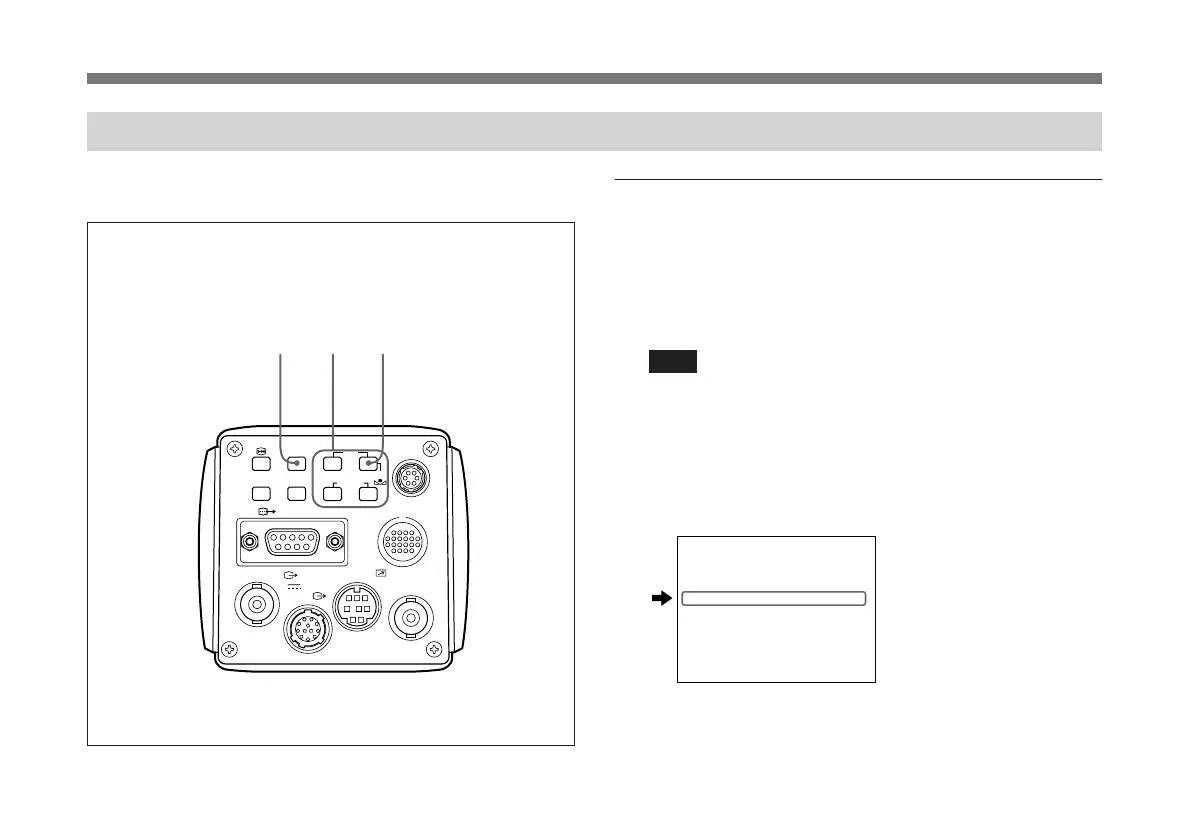
Adjusting the White Balance
Each time the lighting conditions change, adjust the white
balance so that optimal color reproduction is obtained.
Operation procedure
1 Press the MENU button to display the menu.
2 Select the PAGE 2 menu and set “WHT.BAL” to
“AWB”.
Note
Check that “PROTECT” on PAGE 4 menu is set to
“OFF”. If set to “ON”, you cannot change “WHT.BAL”
to “AWB”.
For more details, see “PROTECT” of “PAGE 4 menu” on
page 25.
For details of how to operate, see “Operation through
Menus” on page 13.
>
:A
±
00
±
00
ON
OFF
PAGE 2 : NOR
M. PEDESTAL
GAMMA
DETA L
scan
AUTO
AWB
C. TEMP
W
HT. BAL
I
R P
B P
a nti
a nti
±
00
3 Press the MENU button to make the menu disappear.
(Continued)



 To Next Page