(Indoor):
The white balance is appropriately adjusted for the following recording conditions:
Indoors
At party scenes or studios where the lighting conditions change quickly
Under video lamps in a studio, or under sodium lamps or incandescent-like color lamps
(One Push):
The white balance will be adjusted according to the ambient light.
1. Select .
2. Keep framing white object such as a piece of paper, to fill the LCD monitor under the
same lighting conditions as you will shoot the subject.
3. Select .
If the lighting conditions changed by bringing this product outdoors from inside the house, or
vice versa, you need to redo the [One Push] procedure to readjust the white balance.
Hint
You can check the currently selected color balance on the LCD monitor.
Note
Set [White Balance] to [Auto] or adjust the color in [One Push] under white or cool white
fluorescent lamps.
While you are recording a movie, cannot be set.
If you set [White Balance], [Scene Selection] is set to [Auto].
[96] How to Use
Menu operations Camera/Mic
Spot Meter/Fcs
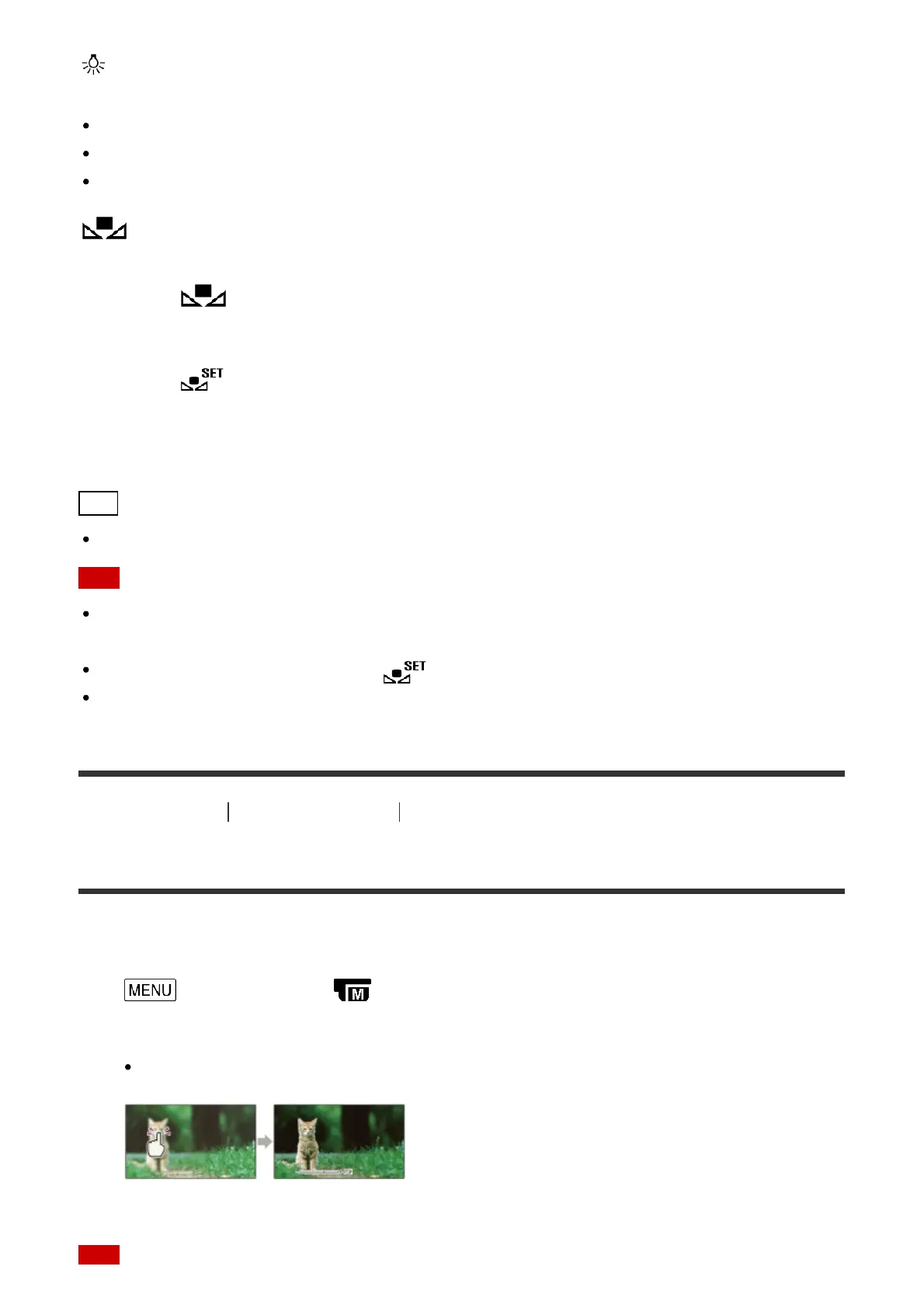
Exposure and focus can be adjusted for the selected subject automatically.
1. - [Camera/Mic] - [ Manual Settings] - [Spot Meter/Fcs].
2. Touch the subject which you want to adjust the exposure and focus of.
To adjust the brightness and focus automatically, select [Auto].



 To Next Page