Hint
A mirror-image of the subject appears on the LCD monitor, but the image will be normal
when recorded.
[25] How to Use
Recording Useful functions for recording
Intelligent Auto
This product records images after selecting the most suitable setting for the subjects or the
situation automatically.
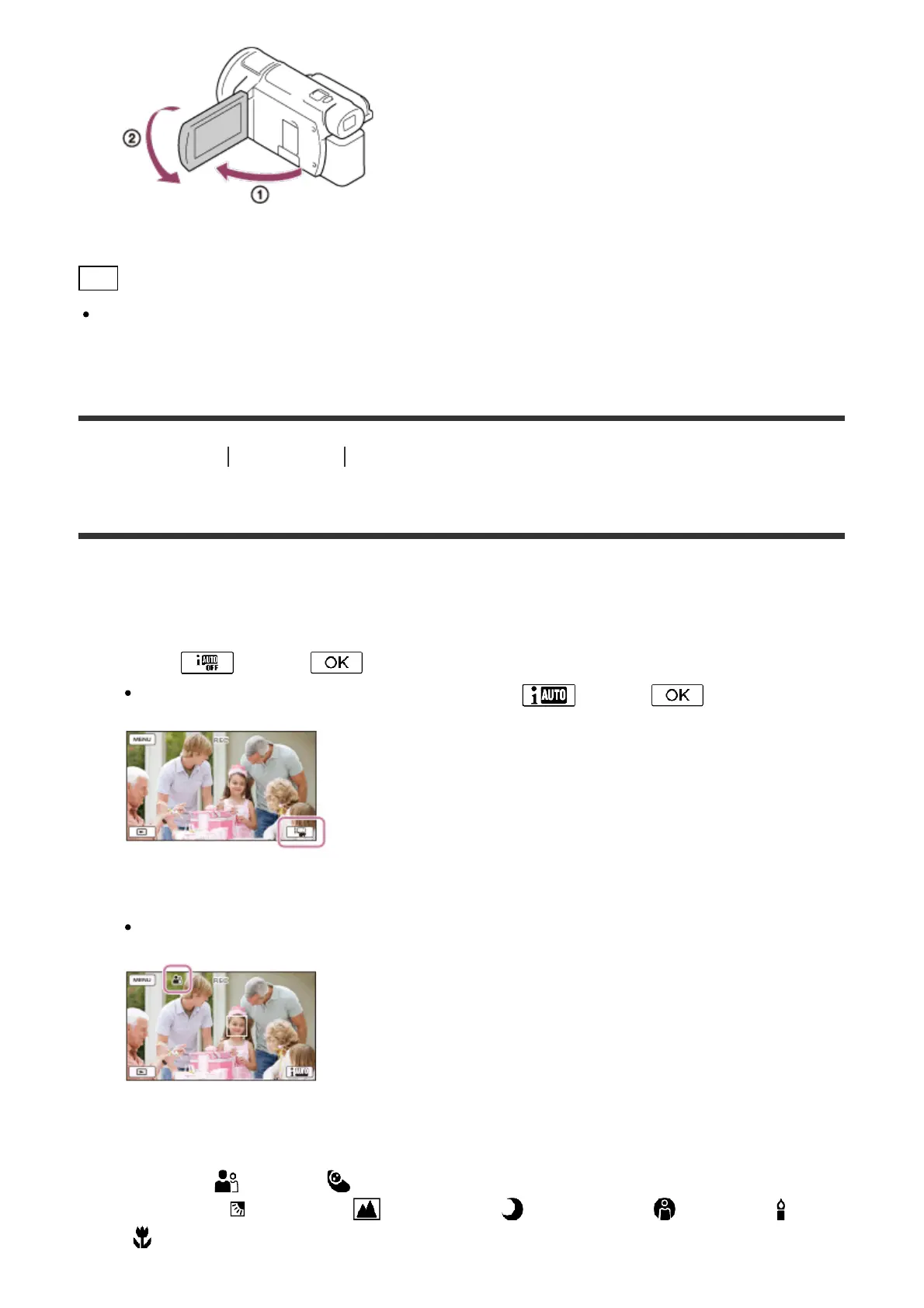
1. Select - [On] - on the recording screen of movies or photos.
To cancel the Intelligent Auto function, select - [Off] - .
2. Point this product toward the subject and start recording.
The icons that correspond to the conditions detected are displayed.
About the detectable scenes
Face detection: (Portrait), (Baby)
Scene detection: (Backlight), (Landscape), (Night Scene), (Spotlight), (Low
light), (Macro)



 To Next Page