What you can do with the NFC connection
Operations available when you touch this product to an NFC-enabled smartphone differs
depending on the status of this product.
When this product is in movie/photo recording mode
[Ctrl with Smartphone] starts up.
When images are being played back on this product
[Send to Smartphone] starts up and images being played back are transferred.
Note
To use the one-touch functions of this product, an NFC-enabled smartphone or tablet is
required.
NFC (Near Field Communication) is an international standard for short-range wireless
communication technology.
If the connection is not made successfully, try the procedures shown in “Connecting to an
Android smartphone or tablet.”
[70] How to Use
Using the Wi-Fi function Connecting a smartphone
Connecting to your smartphone or tablet using the QR
Code
You can easily connect this product to your smartphone or tablet by reading the QR Code.
1. Install PlayMemories Mobile on your smartphone.
If PlayMemories Mobile is already installed on your smartphone, update the software
to the latest version.
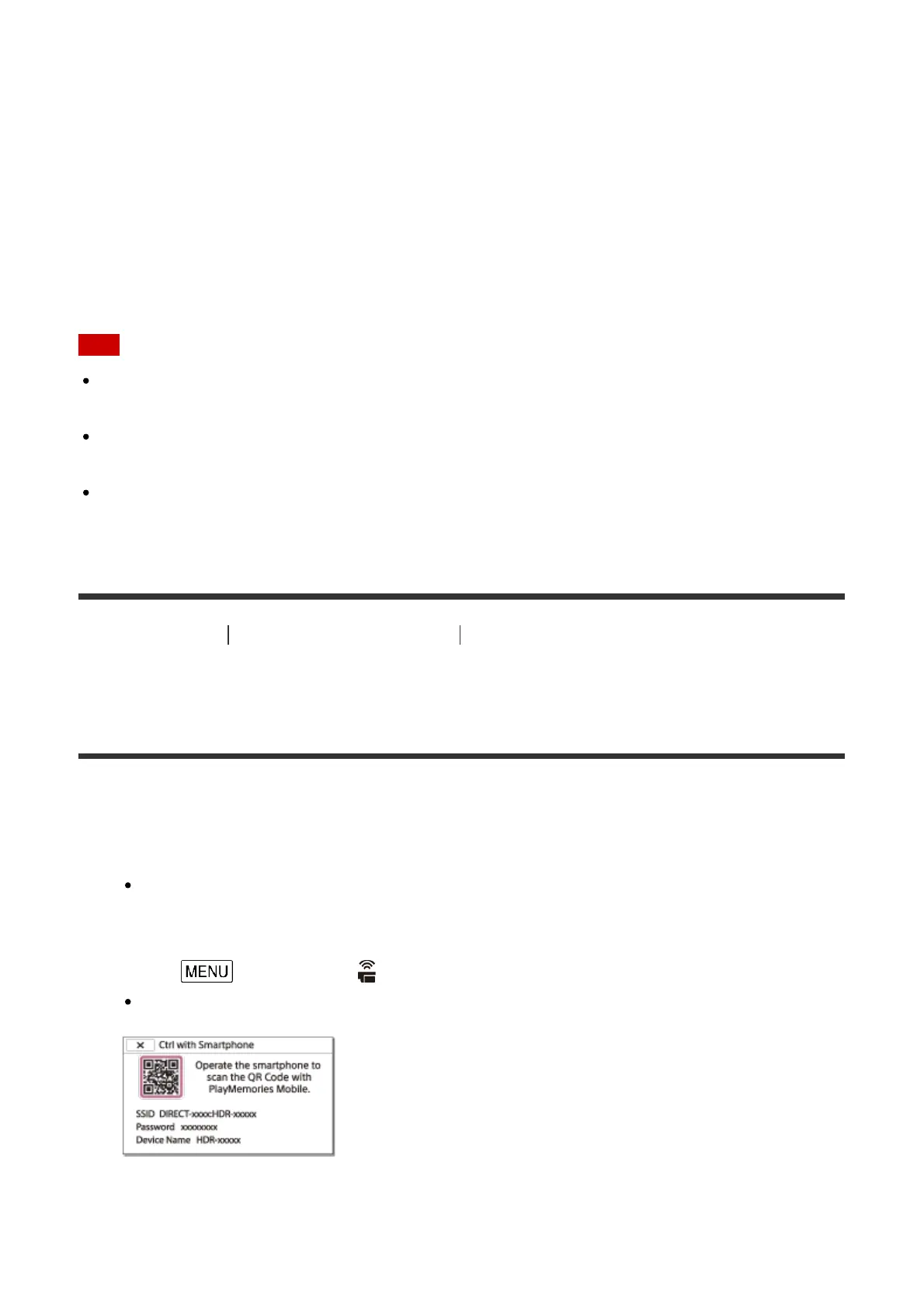
2. Select - [Wireless] - [ Function] - [Ctrl with Smartphone].
The QR Code, SSID, password and device name are displayed.
3. Start up PlayMemories Mobile, and select [Scan QR Code of the Camera] from the
screen of PlayMemories Mobile.



 To Next Page