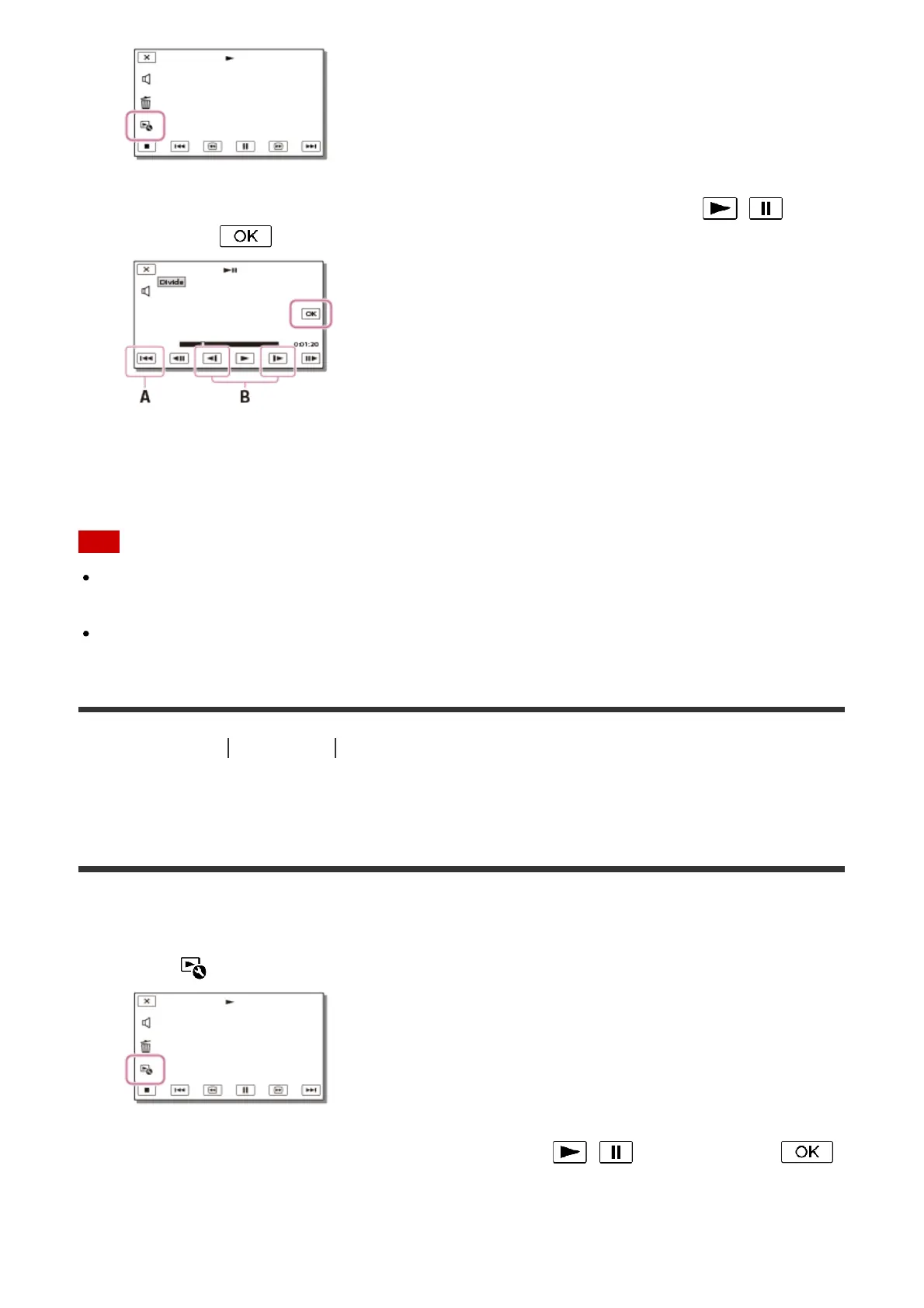
2. Select the point where you want to divide the movie into scenes using / , and
then select .
A: Returns to the beginning of the selected movie
B: Adjusts the dividing point with more precision
Note
A slight difference may occur from the point where you select and the actual dividing
point, as this product selects the dividing point based on about half-second increments.
An XAVC S movie or an MP4 movie cannot be divided.
[40] How to Use
Playback Editing images from the playback screen
Capturing a photo from a movie (models with the internal
memory or models with the USB IN/OUT jacks)
You can capture images from movies recorded with this product.
1. Select - [Photo Capture] that appears on the playback screen of a movie.
2. Select the scene you want to capture a photo using / , and then select .



 To Next Page