If you do not want to display icons on the screen of the TV connected via HDMI, select
- [Setup] - [ Connection], then set [CTRL FOR HDMI] to [Off].
[48] How to Use
Playback Playing images on a high definition TV
Enjoying 5.1ch surround sound
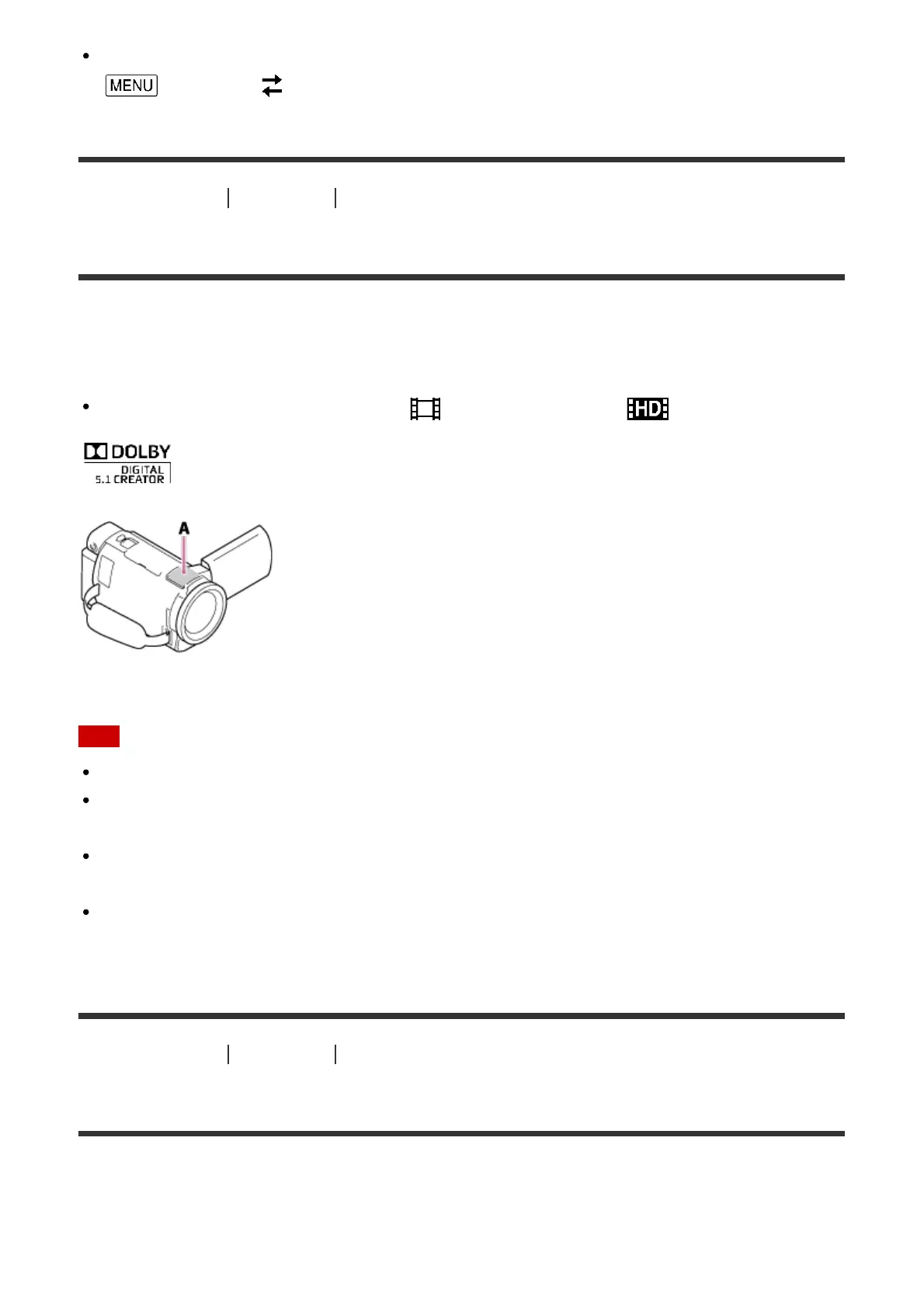
You can record Dolby Digital 5.1ch surround sound with the built-in microphone (default
setting). Realistic sound can be enjoyed when playing a movie on devices that support 5.1ch
surround sound input.
This function is available only when [ File Format] is set to [ AVCHD].
A: Built-in microphone
Note
The sound of XAVC S and MP4 movies are recorded in 2ch sound.
The built-in speaker does not output 5.1ch surround sound even if you play back a movie
recorded with 5.1ch surround sound on this product.
To enjoy the 5.1ch surround sound of the movies recorded in 5.1ch sound, you need a
device compatible with 5.1ch surround.
When you connect this product with the supplied HDMI cable, the sound of movies
recorded in 5.1ch sound is automatically output in 5.1ch sound.
[49] How to Use
Playback Playing images on a high definition TV
Using BRAVIA Sync
You can operate this product with the remote commander of your TV by connecting this
product to a BRAVIA Sync compatible TV launched in 2008 or later with the HDMI cable.
You can operate the menu of this product by pressing the SYNC MENU button of the remote



 To Next Page