Hint
The date and time are recorded automatically and can be displayed only during playback.
To display them, select - [Setup] - [ Playback Settings] - [Data Code] -
[Date/Time].
[15] How to Use
Getting started Preparing a memory card
Inserting a memory card
Insert a memory card into this product.
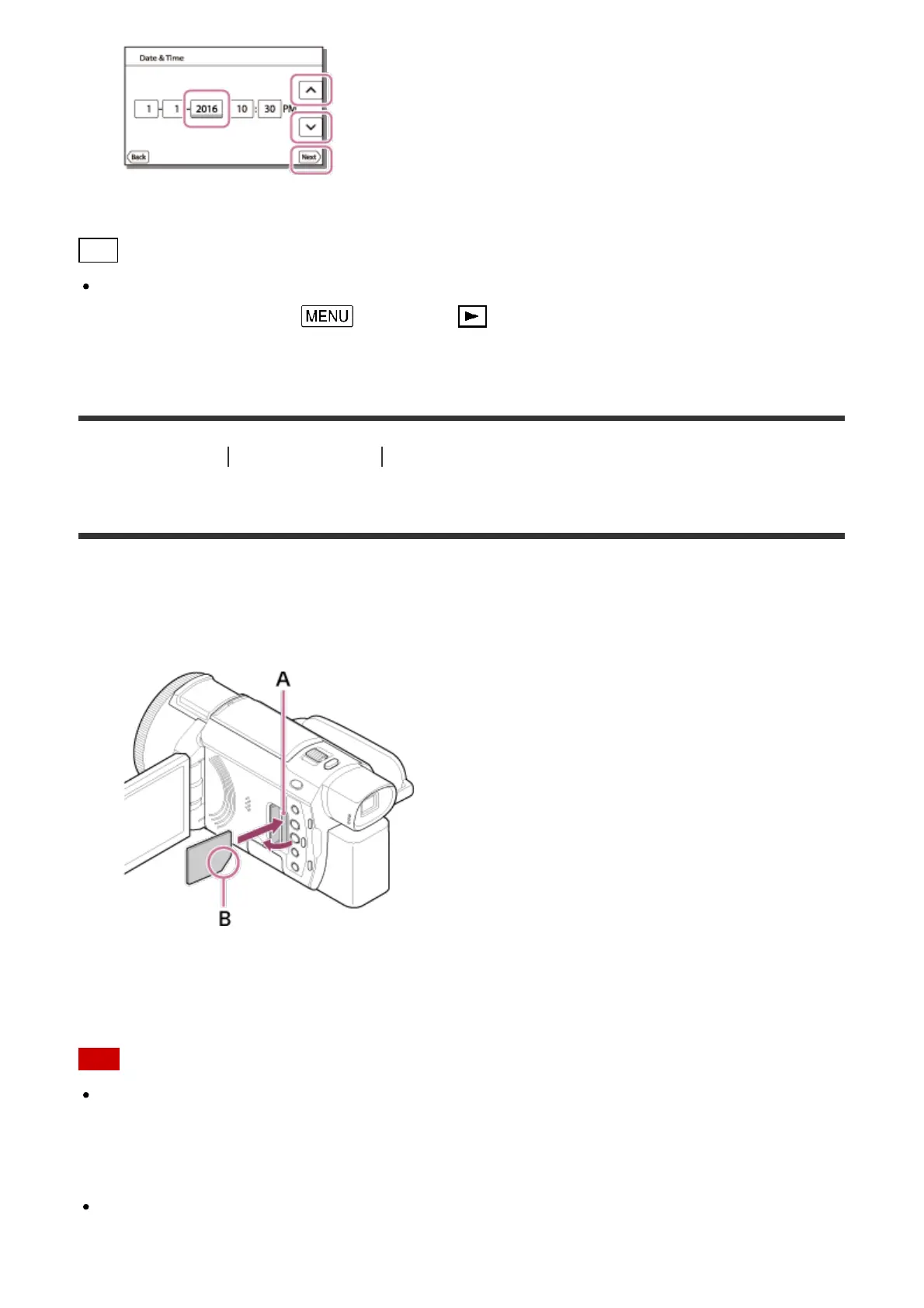
1. Open the cover and insert the memory card until it clicks.
A: Access lamp
B: Insert the card with the notched edge in the direction as illustrated.
Note
To ensure stable operation of the memory card, it is recommended to format the memory
card with this product before the first use. Formatting the memory card will erase all the
data stored on it and the data will be irrecoverable. Save your important data on your PC,
etc.
Confirm the direction of the memory card. If you forcibly insert the memory card in the
wrong direction, the memory card, memory card slot, or image data may be damaged.



 To Next Page