[37] How to Use Playback Editing images from the playback screen
Deleting the selected images
Select and delete unnecessary images.
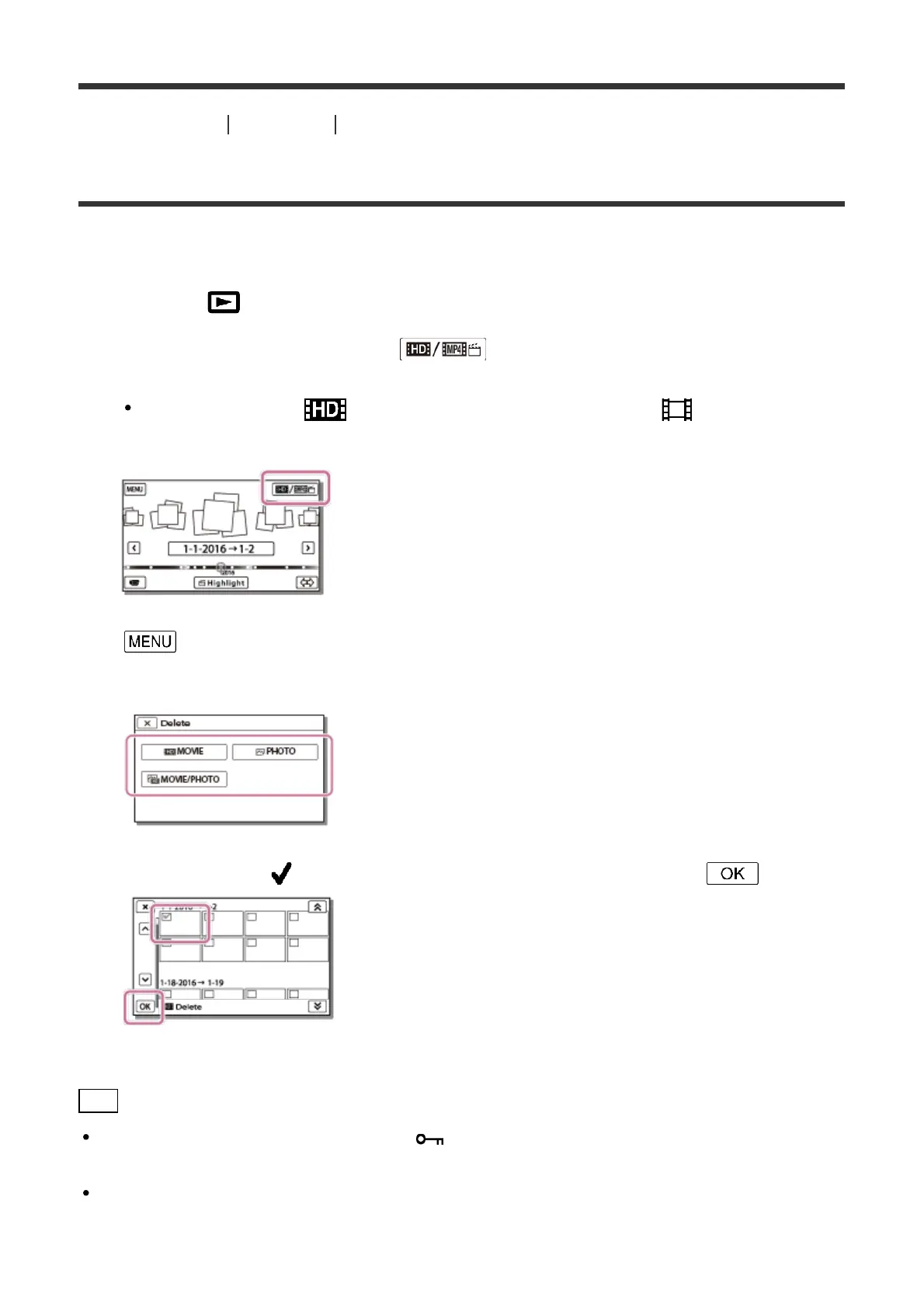
1. Press the button on this product to enter the playback mode.
2. On the Event View screen, select , and then select the movie format you
want to delete.
An icon other than may be displayed depending on the [ File Format]
setting and playback movie format setting.
3. - [Edit/Copy] - [Delete].
4. Select [Multiple Images], and then select the type of image you want to delete.
5. Add check marks to the movies or photos to be deleted and select .
Hint
You cannot delete protected images ( ). Release the protection of the data before
deleting.
To delete the unwanted part of a movie, divide the movie and then delete that part.



 To Next Page